Tube
Pedal Effects
Adds warm overdrive and distortion to your sounds.
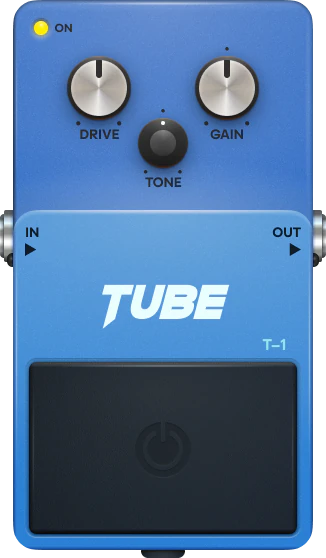
What is Tube?
Adds warm overdrive and distortion to your sounds.
Tube is a effect pedal in Audiotool — the collaborative online DAW that runs entirely in your browser, with modular routing and a full device rack built in.
What you can do with Tube
- Drop it onto any track for quick, musical tone-shaping.
- Stack several pedals to build your own effect chain.
- Place it anywhere in a modular, node-based signal chain.
- Automate its parameters over time.
- Use it on single channels or across the master bus.
Key capabilities
- Adds warm overdrive and distortion to your sounds.
- Runs entirely in your browser — no download or install.
- Part of Audiotool's full studio — free, with no track or feature limits.
Make music with Tube, right in your browser
Tube is built into the Audiotool studio. Open it and start your next track in seconds.
Learn how to use Tube
Step-by-step guides, parameter references, and tutorials live in the Audiotool manual.
More Pedal Effects
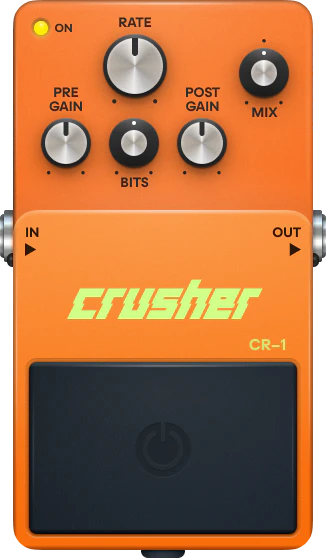
Crusher
Creates lo-fi and glitch textures by reducing sample rate and bit depth.
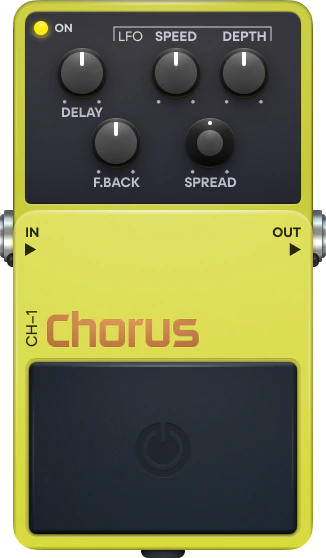
Chorus
Adds movement and width to your sounds.
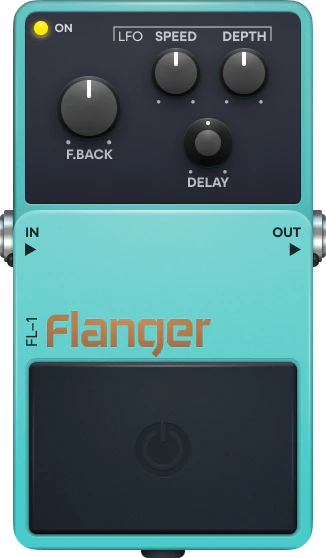
Flanger
Creates sweeping, metallic modulation effects.
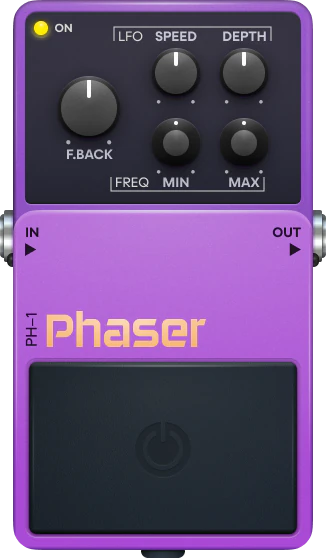
Phaser
Adds swirling, vintage-style modulation.
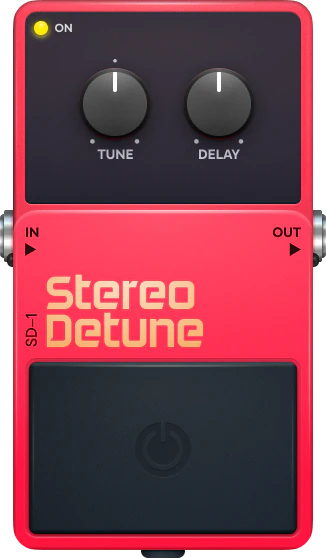
Stereo Detune
Widens sounds by detuning and delaying the left and right channels.
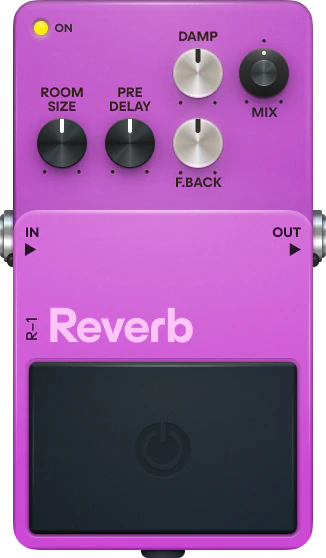
Reverb
Adds spatial depth and atmosphere to your sounds.
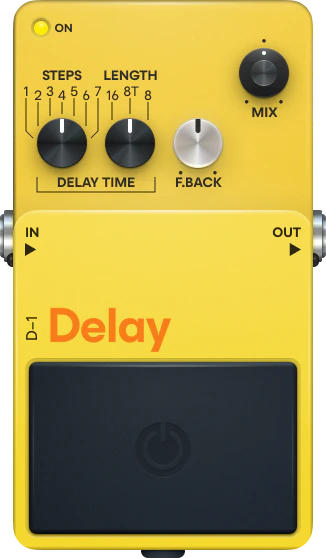
Delay
Creates echo effects with tempo sync and feedback controls.
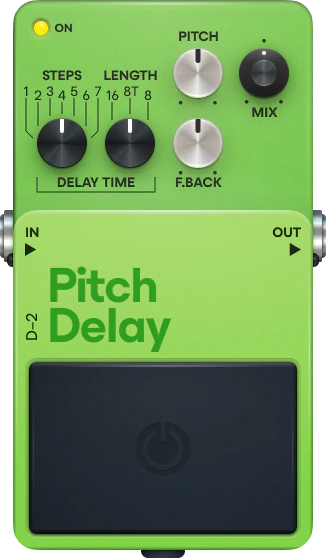
Pitch Delay
Delay effect with pitch-shifted repeats for harmonized echoes.
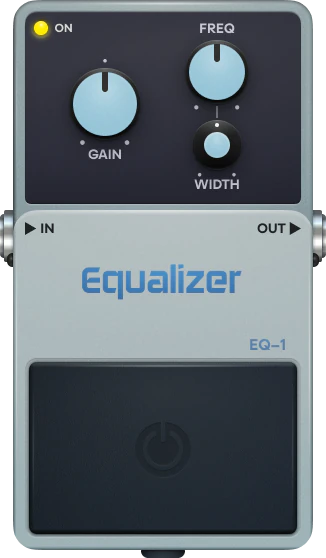
Parametric EQ
1-band EQ for shaping frequencies and cleaning up your mix.
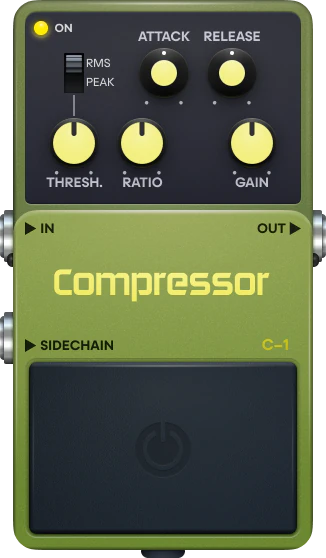
Compressor
Controls the dynamic range of your audio. Evens out levels and adds punch.
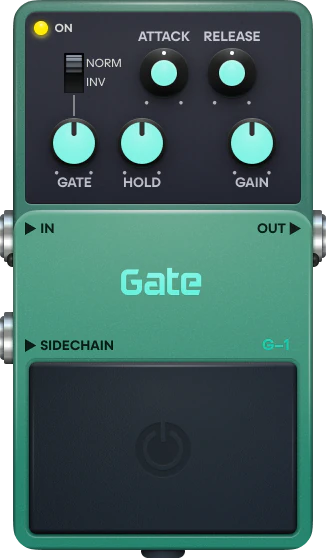
Gate
Removes noise and unwanted sounds below a set threshold.
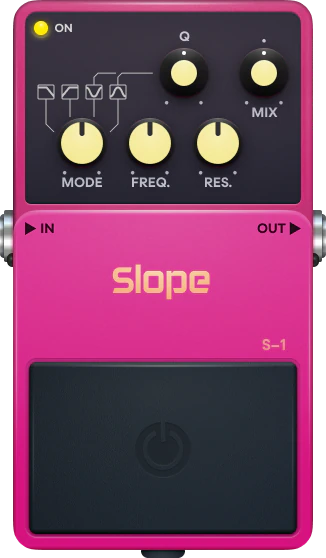
Slope
Filter with multiple modes for tone shaping and classic sweeps.
Frequently asked questions
Is Tube free to use?
Yes. Tube is part of Audiotool's free, browser-based studio. There's no download or install, and there are no track or feature limits on the core DAW.
Do I need to install anything to use Tube?
No. Audiotool runs entirely in your web browser, so you can open Tube and start making music straight away — there's nothing to download or install.
How do I open Tube in Audiotool?
Open the Audiotool studio in your browser, then add Tube to your project from the device rack. You can also start from one of the community presets.
Where does Tube go in my signal chain?
Insert Tube on any channel or chain it after other devices. Audiotool uses modular, node-based routing, so you can place it anywhere in your signal path.
Where can I learn how to use Tube?
Step-by-step guides, tutorials, and parameter references live in the Audiotool manual at www.audiotool.com/help.