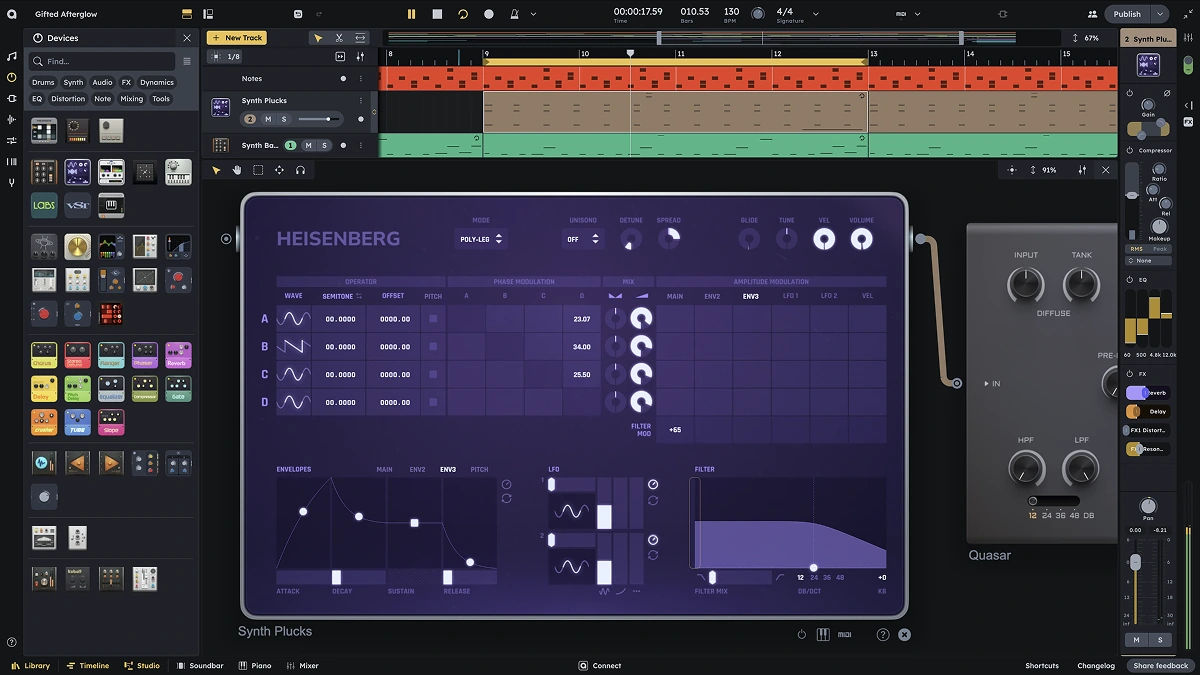
Make Music.
Together.
Free. No ads. A full studio in your browser.
- Produce & Publish Music
- Remix & Collaborate
- Build your own music apps
- Play live with MIDI
- Record vocals & instruments
- Bring in your VST3 plugins
- Join the community
- Listen to music
- 100% free + no ads
- Produce & Publish Music
- Remix & Collaborate
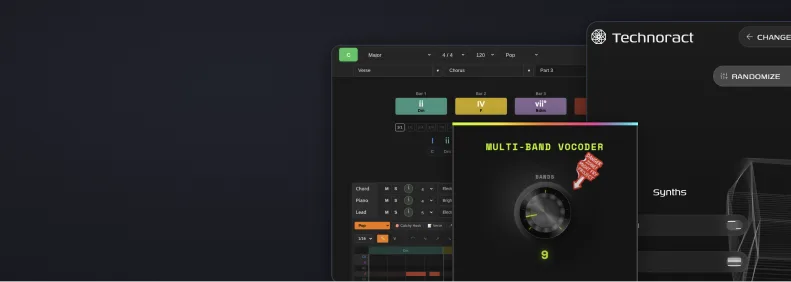
- Build your own music apps
MAKE MUSIC, YOUR WAY

Your space to start and connect
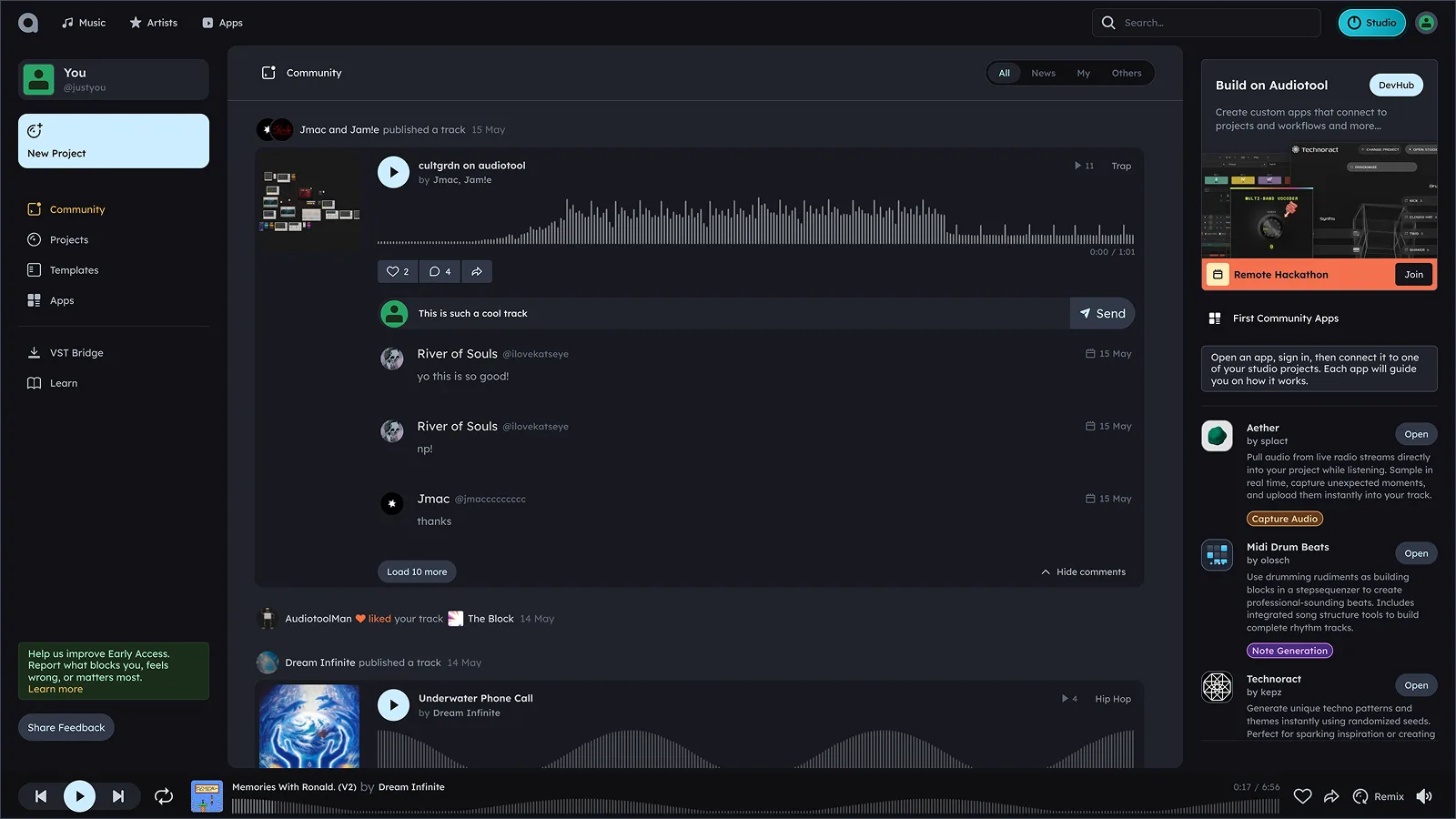
MEET THE COMMUNITY

I took my first steps into music production with Audiotool, and it has simultaneously been a simple and accessible tool that anyone can learn to use, while also being an advanced software that I'm still growing in today.

Templates
Start faster with ready-made projects, patterns, and setups you can open and make your own.
Learn
Pick up the tools as you go with guides, examples, and practical ways to build tracks.
Connect
Find producers, follow artists, share ideas, and build with people who make music.
Apps
Open community-made tools that plug into projects and expand what you can create.
HEAR WHAT'S POSSIBLE
Join the community, and find the people who push your tracks further
Find your crewSynth, drum machines, and effects
Build with award-winning synths, drum machines, samples, and effects made for everything from retro tones to modern sound design.
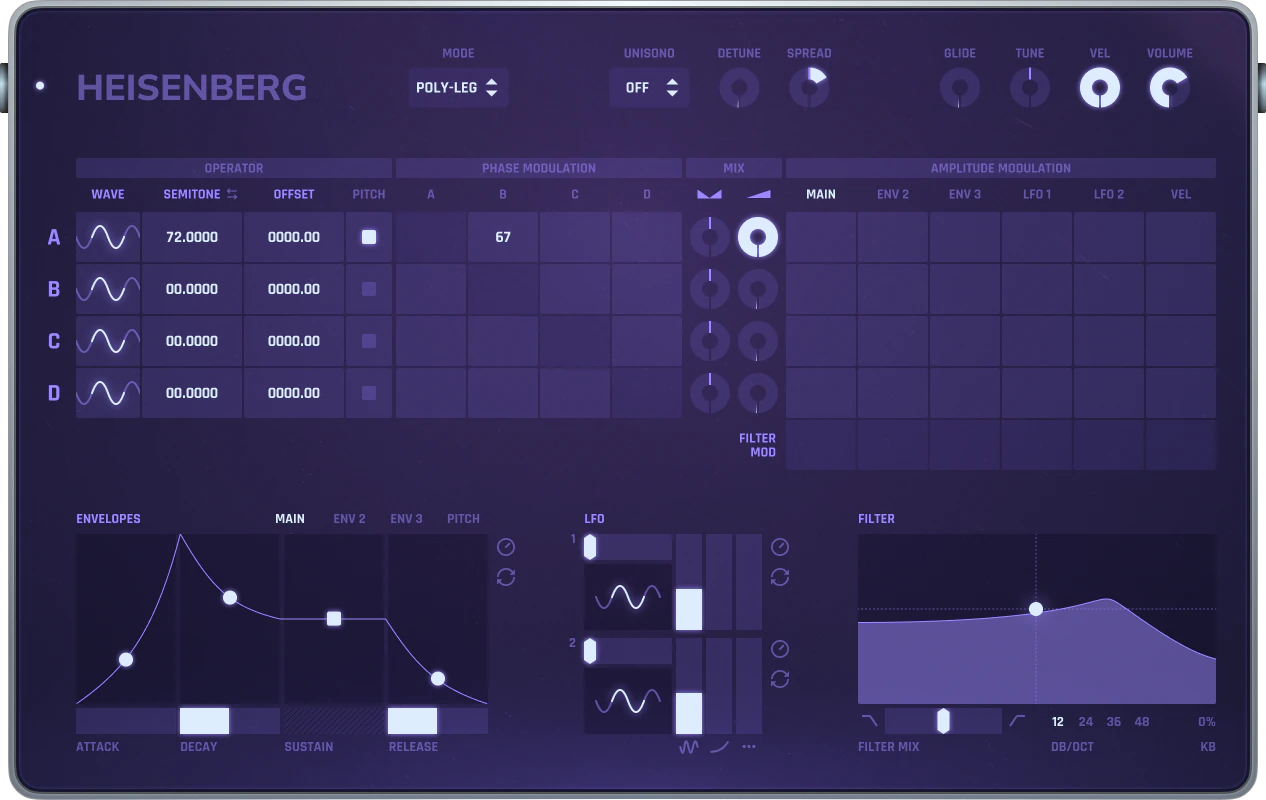
Synthesize your sound

Four-operator phase-modulation synthesizer with flexible modulation matrix and dynamic control. Perfect for digital pianos, bells, basses, and experimental textures.

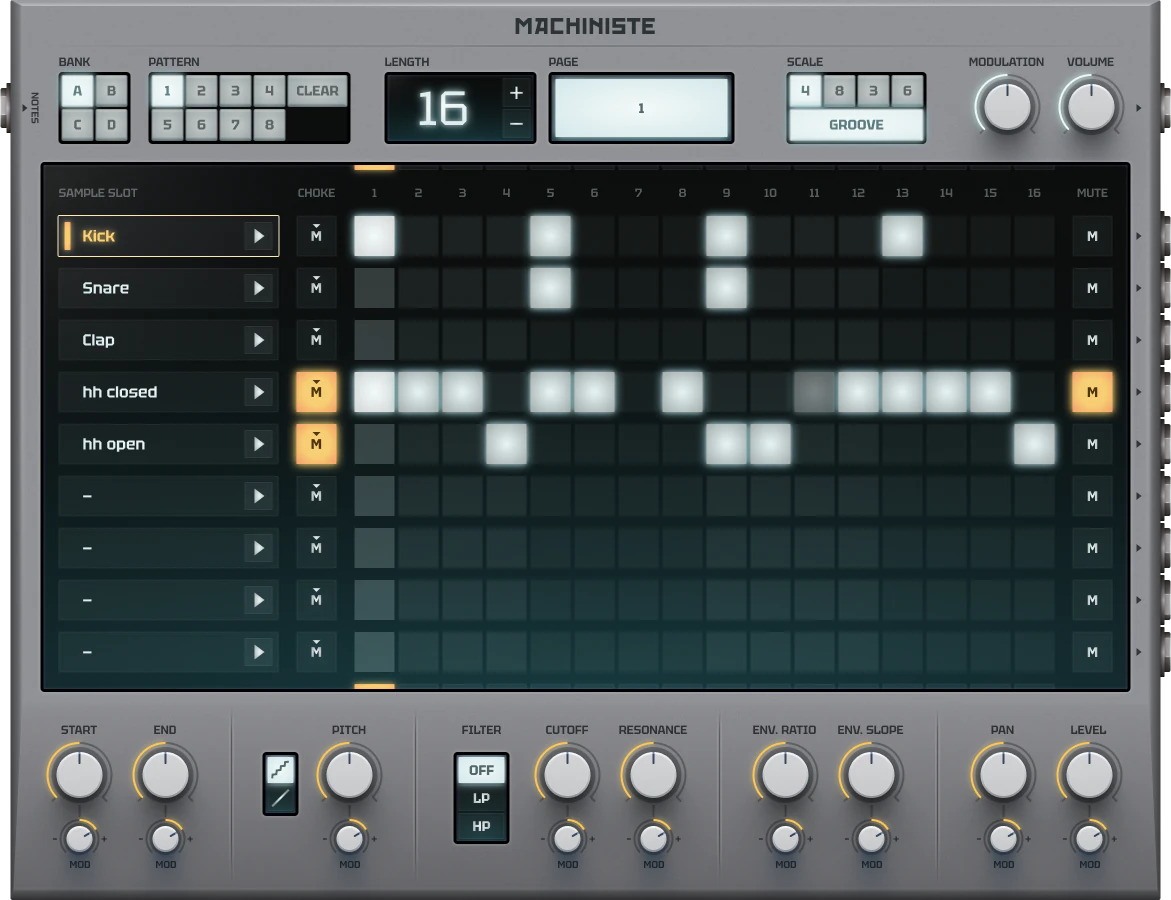
Program drum patterns

Powerful drum machine with extensive sound design capabilities. Create everything from classic drum sounds to experimental percussion.

Apply effect chains
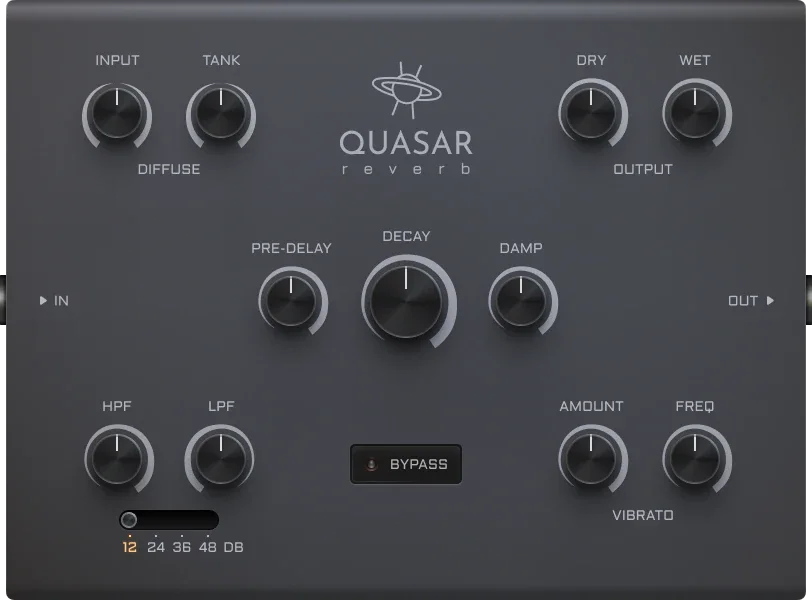
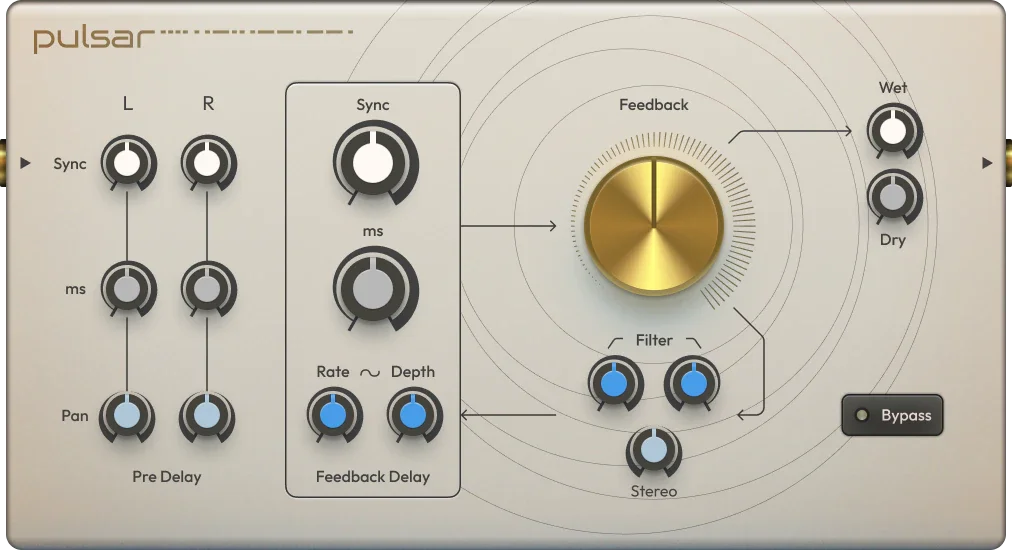
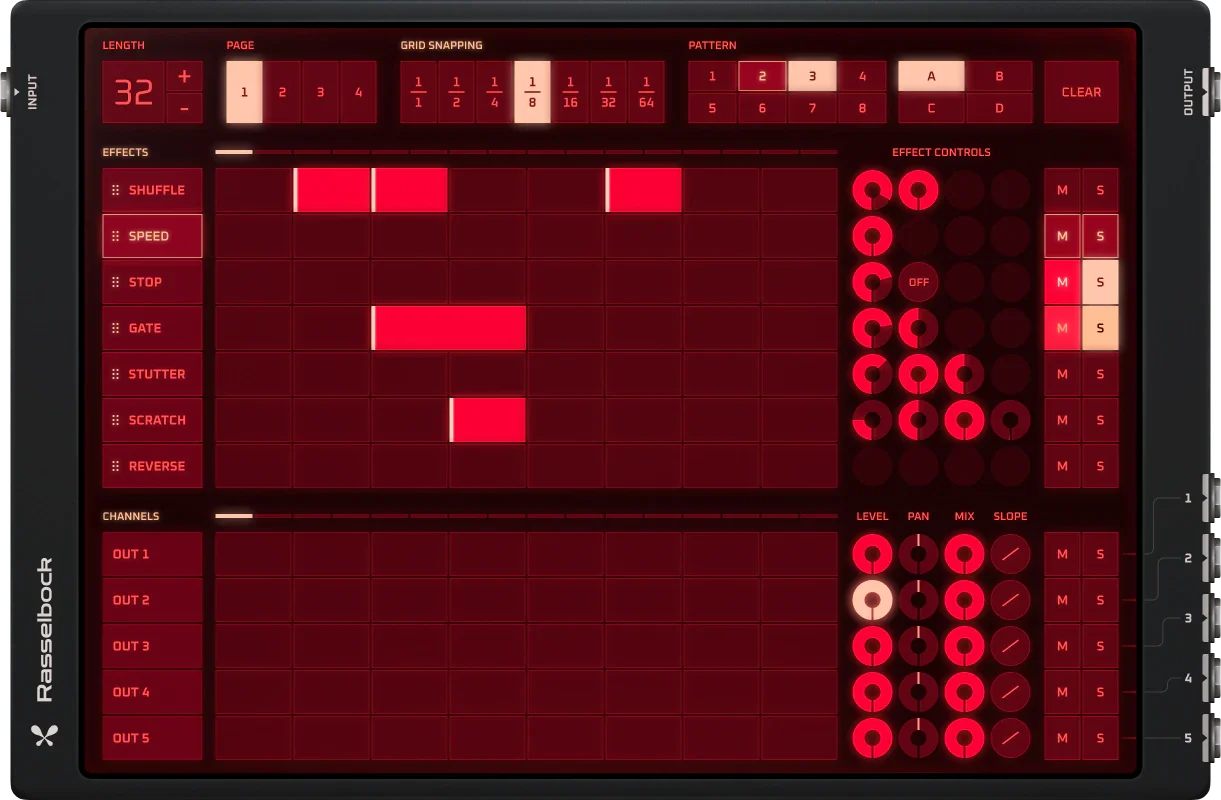
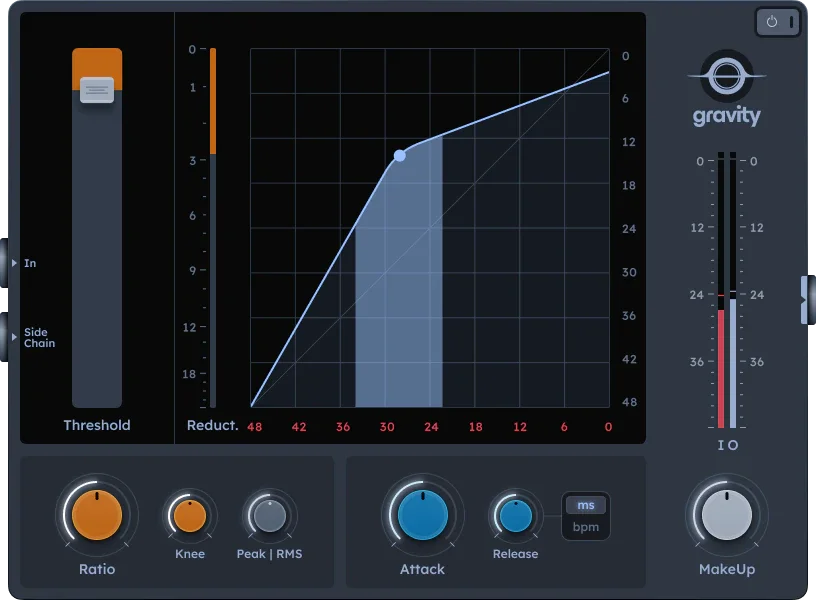
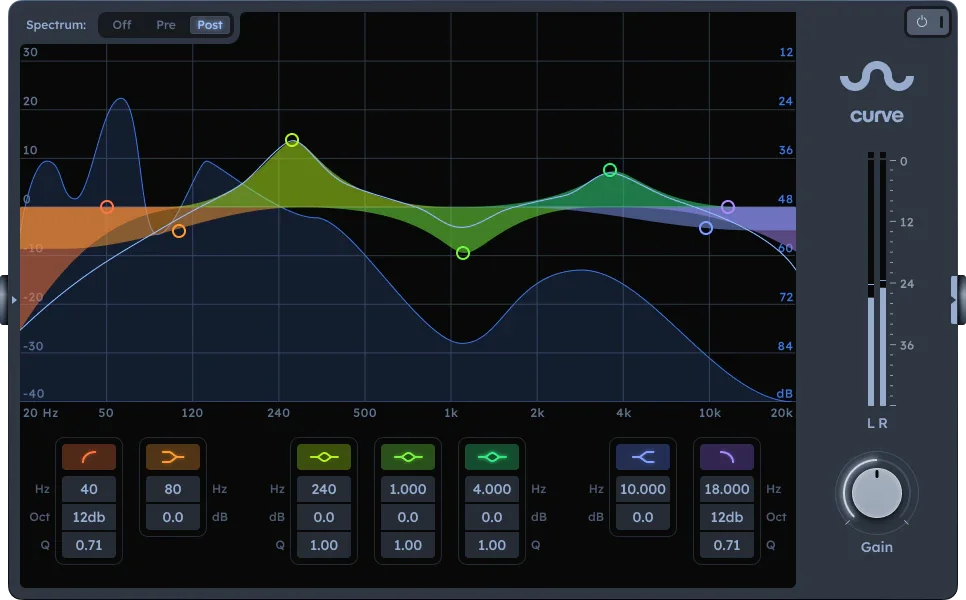
Create your own sound with built-in tools or your VST3 plugins
Make soundPlay live and control your session with MIDI
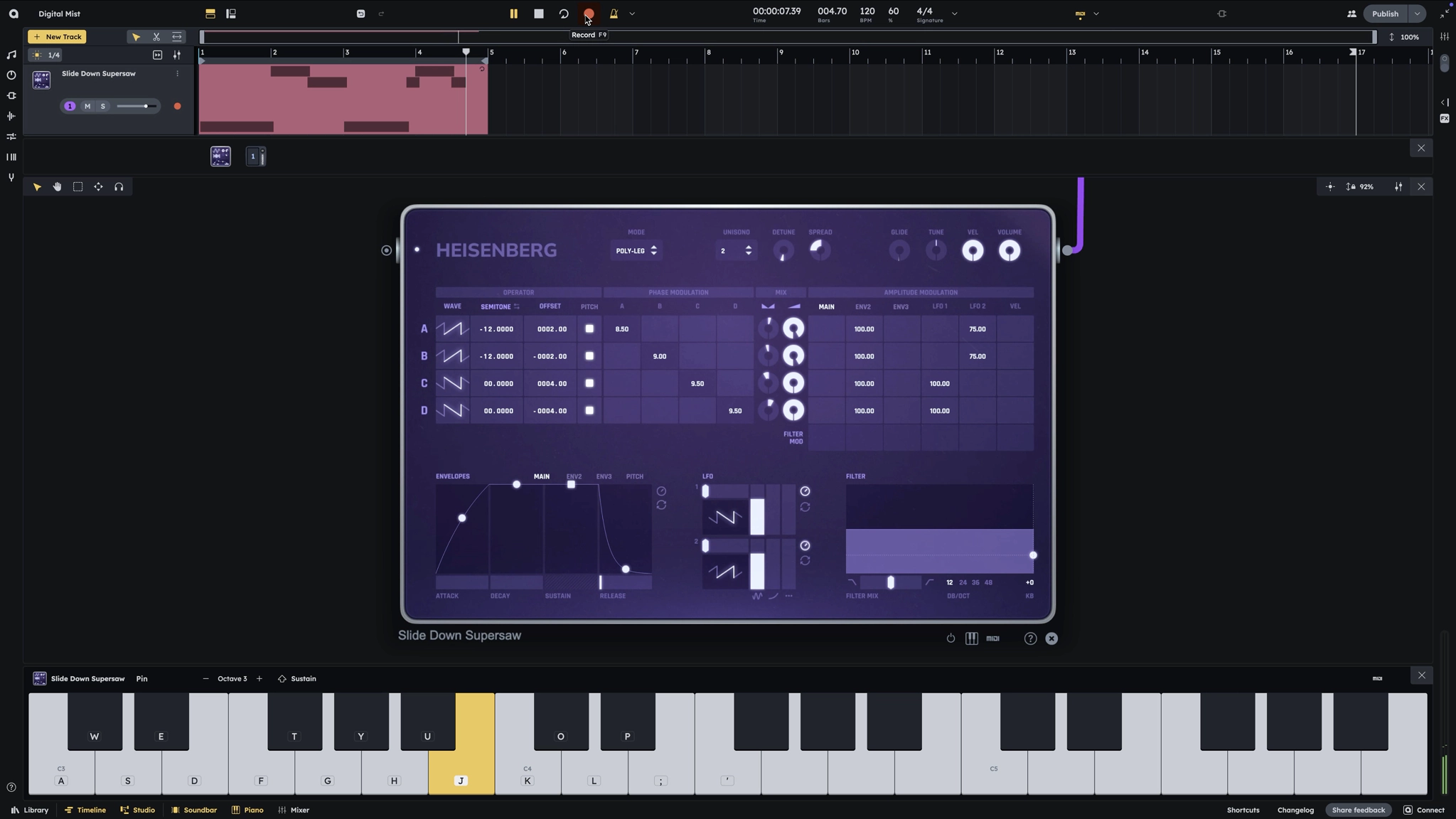
Sketch ideas quickly
Play a part, catch the idea, and turn it into notes before the moment disappears.
MIDI learn
Map knobs, keys, and controls so your hardware feels connected to the session.
Capture notes and automation
Record notes, gestures, and parameter moves while you play.
Compose and arrange
Edit clips, build patterns, and move from first loop to full arrangement.
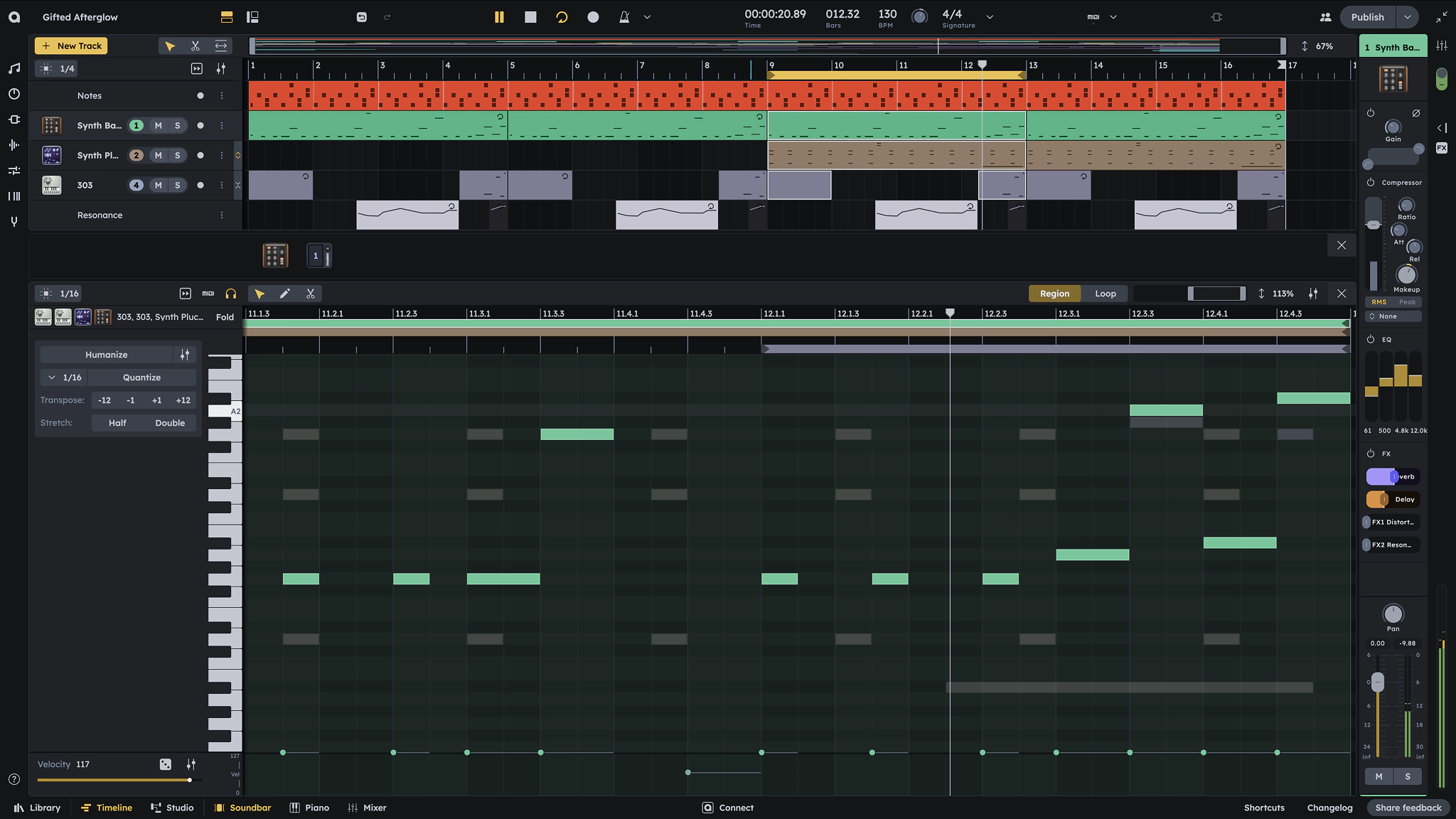
Compose chords, melody, and bass together
Write the musical parts side by side, then refine notes, timing, velocity, and automation in the piano roll.
Start with your hands on the keys and build the session around what feels right
Play the keysRecord audio right into your session
Build from ready-to-use
sample library
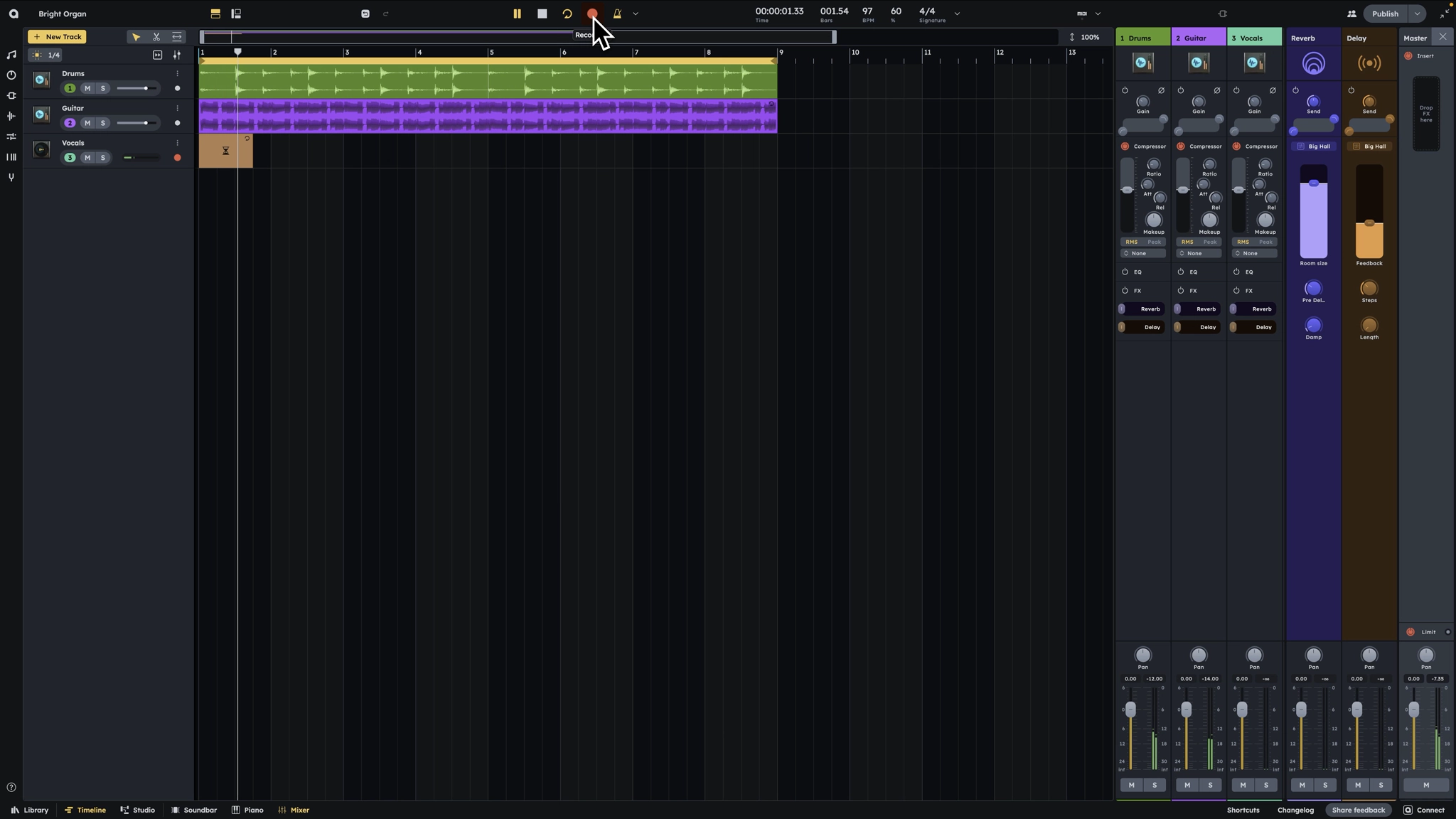
Browse sounds, drop them into your project, and start building without hunting for files.
Stay in time with latency
compensation
Record takes that stay aligned, even when your setup adds delay.
Cut and stretch
Trim, move, loop, and stretch audio until it fits the track.
Shift pitch with control
Tune samples and recordings without losing the shape of the idea.
Warp samples and recordings
Stretch timing, shift pitch, and reshape recordings so vocals, loops, and samples sit in the groove.
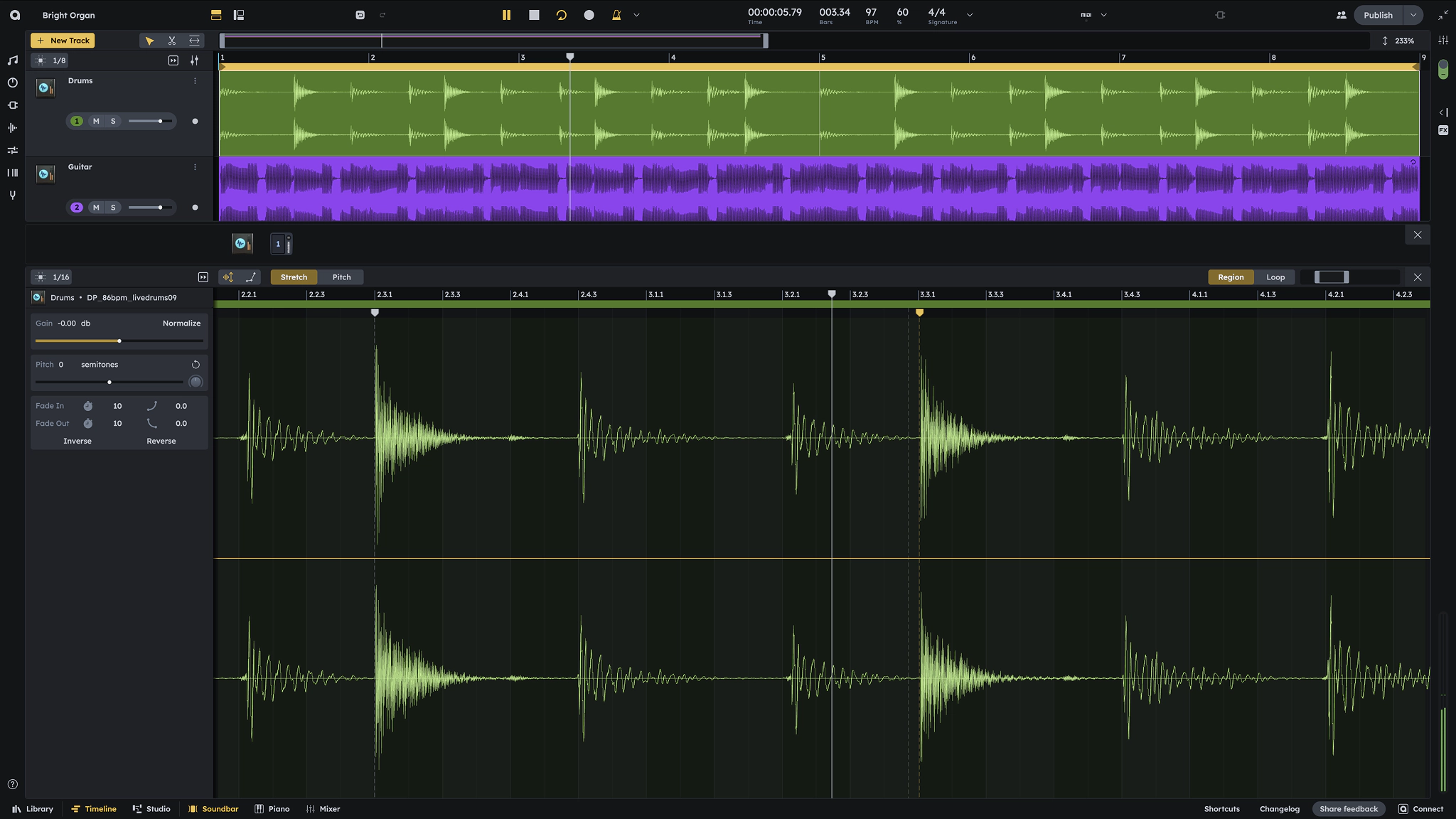
Bring vocals, instruments, loops, and found sounds straight into the session
Record a takeGo deep with sound synthesis
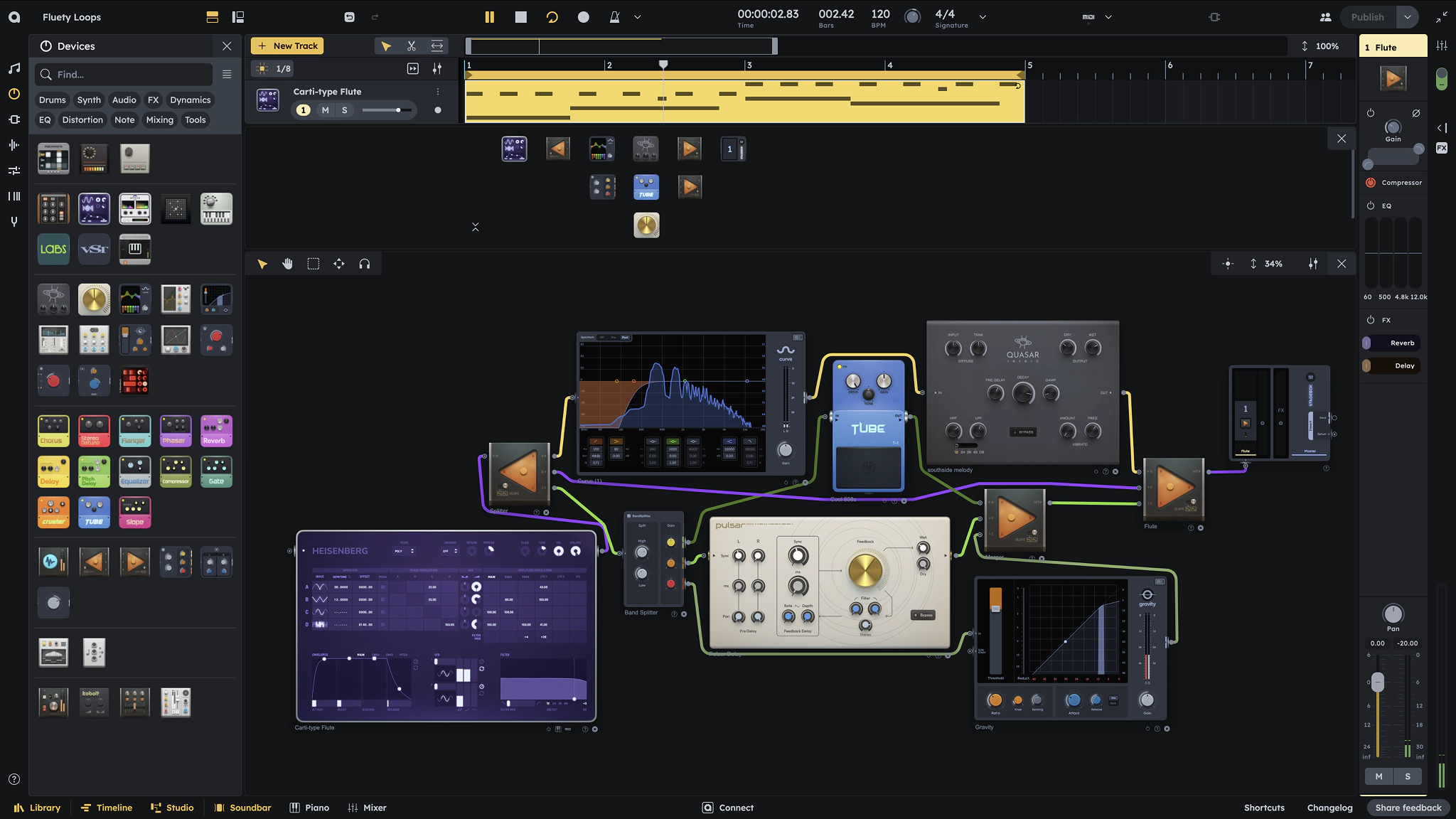
Create with built-in instruments and effects
Start with synths, drum machines, effects, and utilities already inside the studio.
Bring in your VST3 plugins
Use your own instruments and effects alongside Audiotool’s native devices.
Shape your sound
Bend tone, movement, space, and texture until the patch has its own character.
Automate any parameter
Draw motion into filters, levels, effects, synth controls, and plugin parameters.
Design unique sounds with modular processing
Connect instruments, effects, plugins, and utilities into custom signal chains that behave like your own studio rack.
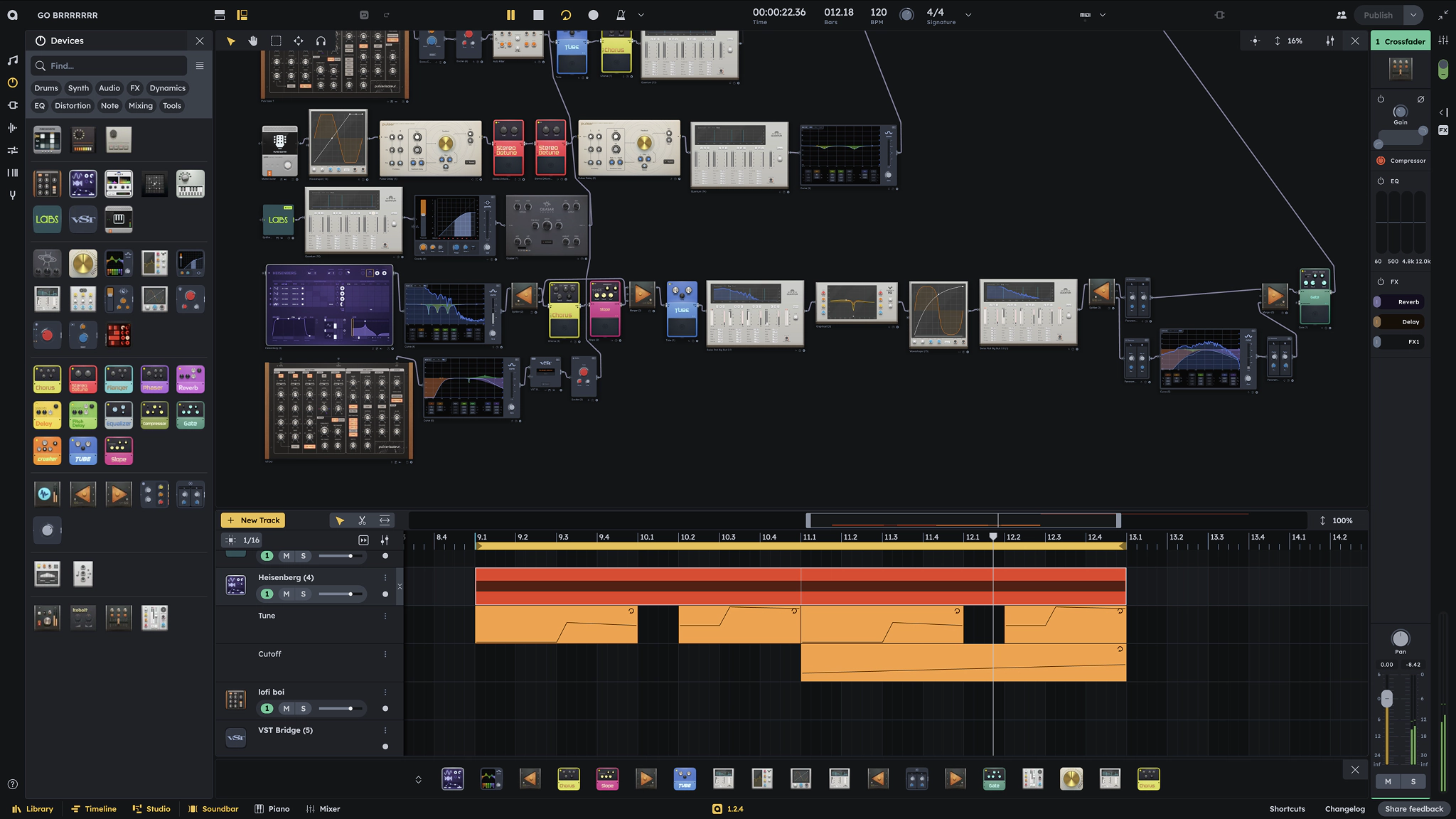
Patch instruments, effects, and plugins into sounds that feel built, not borrowed
Build a patchMix your session until it feels alive
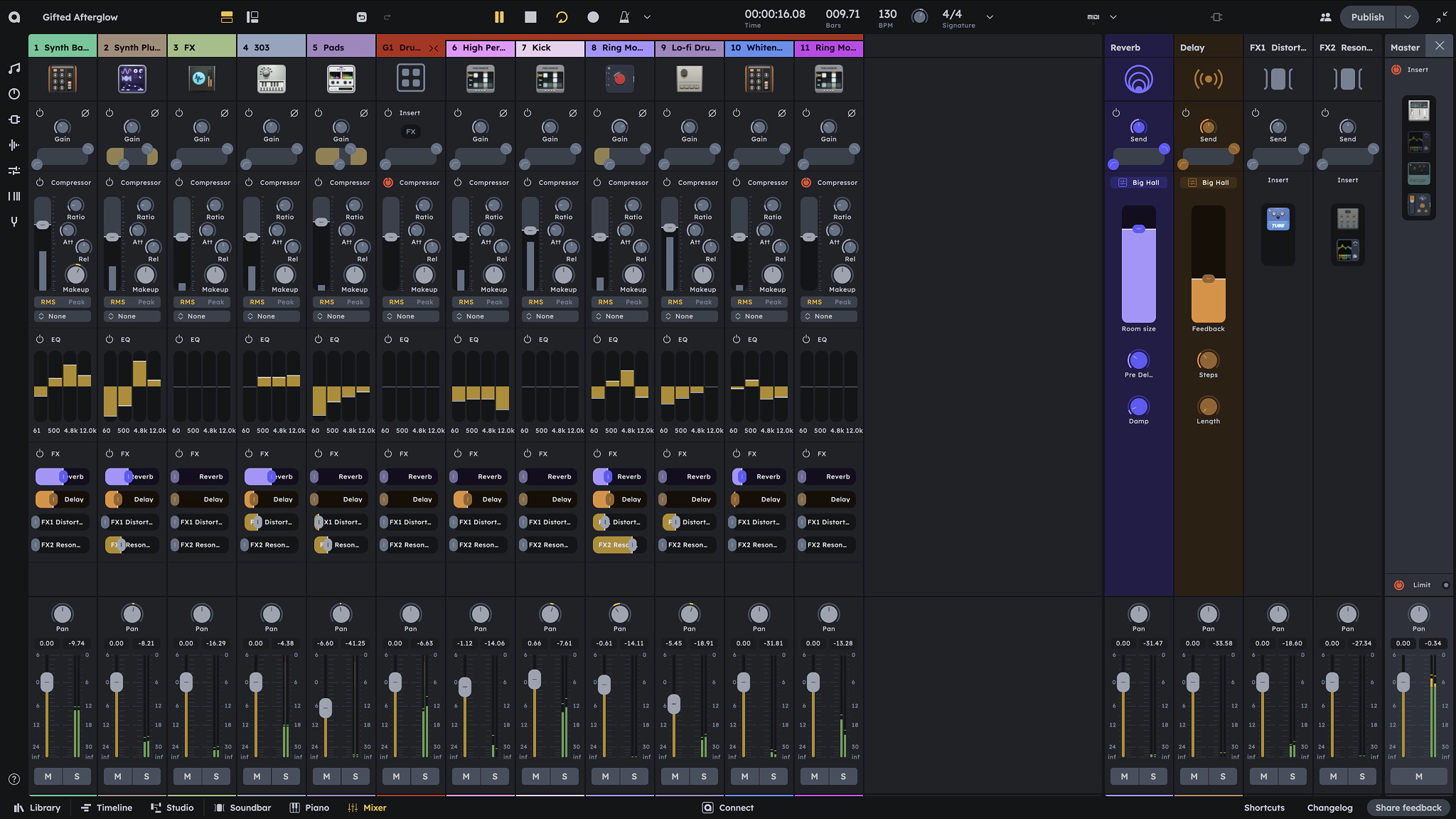
Find the balance
Set levels, pan tracks, and make every part sit where it belongs.
Group and master inserts
Process groups and the master with insert chains that keep the mix under control.
Filter, Compressor, EQ
Clean up tone, control dynamics, and carve space for each sound.
Create custom FX sends
Send multiple tracks into shared reverb, delay, distortion, or your own effect chains.
Mix width depth and precision
Balance channels, shape groups, add sends, and keep the master chain in view while the whole session comes together.
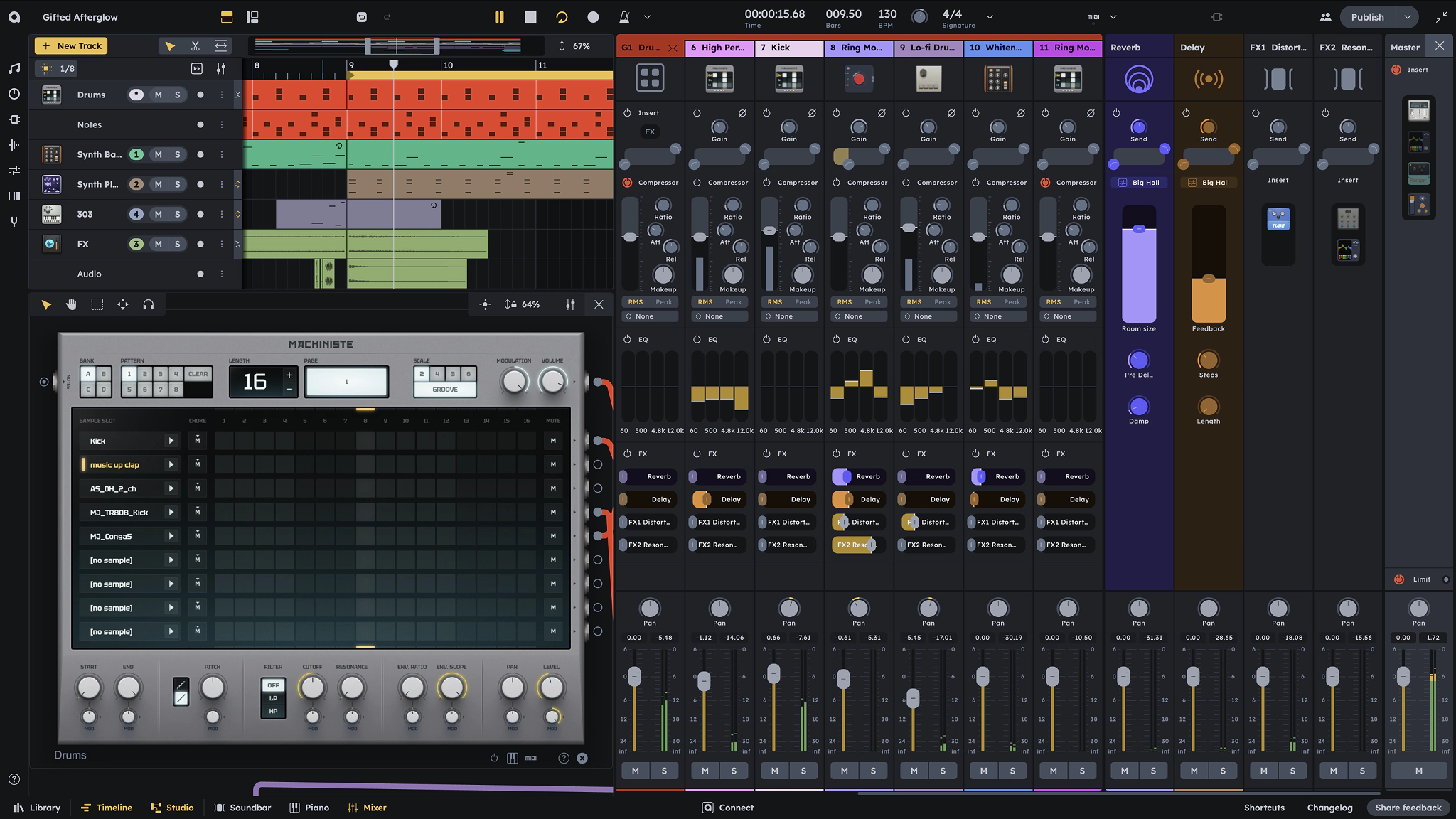
Balance the session, shape the space, and make every part feel like one track
Balance mixTrusted by leaders and innovators
From Spitfire Audio to Fraunhofer IDMT, we build Audiotool with partners who help shape the future of music.

We're thrilled to have Spitfire as the first plugin partner integrated into Audiotool. Audiotool is the most professional cloud-based DAW we've seen, pairing a powerful workflow with a vibrant, collaborative creator community.

Audiotool will enable creators to work directly with Fraunhofer's AI tools within real music production workflows. Production actions recorded in a structured, time-based format let Fraunhofer AI services improve workflows in ways traditional DAWs cannot.

BandM8 was created to give music creators a smart, nimble creative partner. Launching first with Audiotool feels right because they've built a DAW around easy access, community, exploration, and learning by doing.
In the press

Anyone can build the future of music: Audiotool's global initiative Let's Build expands and offers everyone an onramp to create music tech tools together

Let's Build hackathon series adds collaborators

Music Software Creation For All

Audiotool Launches Global "Let's Build!" Hackathon Series for AI-Powered Music Software

Audiotool launches a global hackathon for music apps

Audiotool is hosting a "hackathon series" to teach people how to make virtual instruments, plugins and music education tools
Audiotool's Let's Build! Series Opens Music Software Creation to Everyone

Audiotool's Let's Build! Series Opens Music Software Creation to Everyone
Open beta launches for redesigned Audiotool Studio DAW

Audiotool Multiplayer Music Platform introduces Nexus

Audiotool's new Nexus API gives AI tools full access to your DAW sessions in real time. Here are 7 possibilities:

Audiotool Studio & NEXUS: DAW Reimagined – Collaborative, Open, in Your Browser, and Free!
- Amazona
NAMM 2026: Audiotool Nexus, Browser-DAW: Erweiterung der kostenlosen Browser-DAW
- Attack Magazine
Win a trip to Abbey Road with Audiotool's global remix competition
- FAZE
Remix-Competitions mit Trip in Londoner Studios als Hauptgewinn
- Electronic Grooves
Audiotool partners with 2024 Esports World Cup for global music contest
- Sound and Music
Win the chance to work with Spitfire Audio at Abbey Road Studios
- Metal Magazine
Audiotool x Esports World Cup 2024