Spitfire LABS
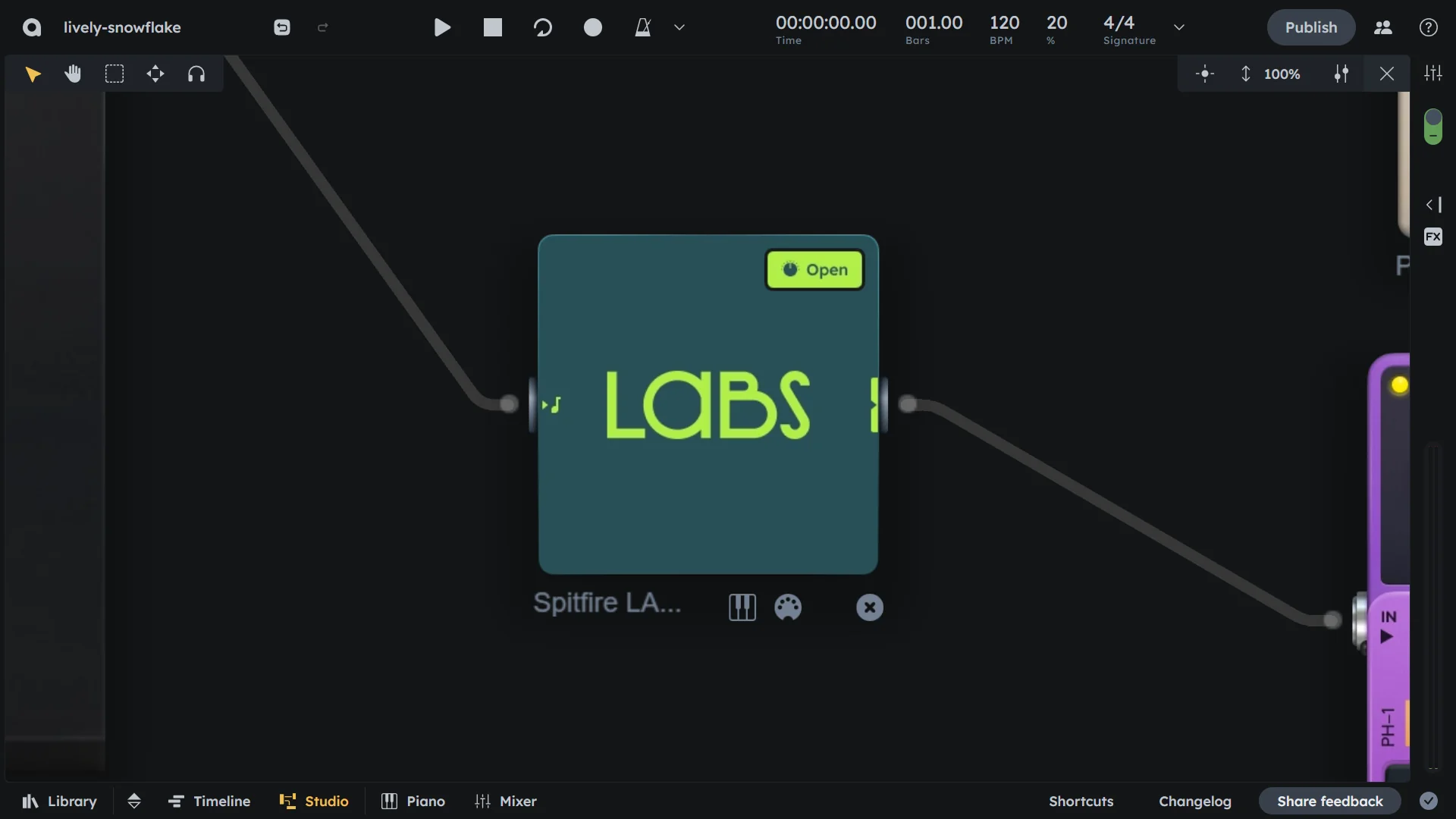
Essentials
LABS connects Audiotool to Spitfire Audio’s LABS sounds through the VST Bridge and Splice INSTRUMENT. You sequence MIDI in Audiotool, and open Splice INSTRUMENT to pick an instrument. Free and paid LABS libraries are included in Splice INSTRUMENT.
Integration with Splice INSTRUMENT (the new home for LABS)
Requires Audiotool VST Bridge
Free and paid LABS sample libraries and instruments
Setup
Install the VST Bridge (see VST Bridge for download and installation instructions).
Create a free Splice account if you do not have one.
Download and install Splice INSTRUMENT:
Download Splice INSTRUMENT for Mac or Windows
The standalone Spitfire LABS plugin is no longer available; Splice INSTRUMENT includes all LABS sounds
With the VST Bridge running and Splice INSTRUMENT installed, open/refresh any project in the studio.
Drag the Splice Instruments device from the Device Browser into your studio.
Press Open on the device box to show the Splice INSTRUMENT plugin window.
Download and select an instrument in Splice INSTRUMENT.
Write notes, play live via MIDI, route input and output as any other device in the studio.
Controls
Open |
Opens the Splice INSTRUMENT plugin window. |
|---|