Crossfader
Tools
Blends between two sources with selectable fade curves, per-channel EQ, balance, and gain.
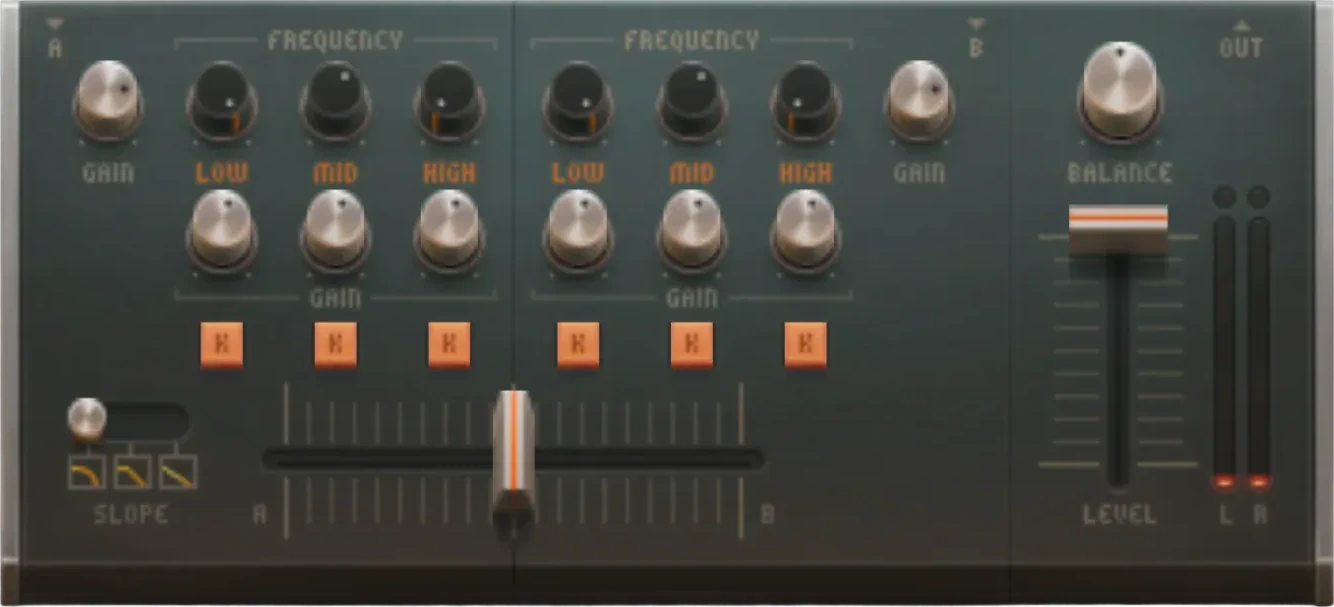
What is Crossfader?
Blends between two sources with selectable fade curves, per-channel EQ, balance, and gain.
Crossfader is a music production tool in Audiotool — the collaborative online DAW that runs entirely in your browser, with modular routing and a full device rack built in.
What you can do with Crossfader
- Route, split, and merge signals across your project.
- Shape your mix with flexible, modular signal flow.
- Combine it with synths, drums, and effects.
- Build custom studio racks tailored to your workflow.
Key capabilities
- Blends between two sources with selectable fade curves, per-channel EQ, balance, and gain.
- Runs entirely in your browser — no download or install.
- Part of Audiotool's full studio — free, with no track or feature limits.
Make music with Crossfader, right in your browser
Crossfader is built into the Audiotool studio. Open it and start your next track in seconds.
Learn how to use Crossfader
Step-by-step guides, parameter references, and tutorials live in the Audiotool manual.
More Tools
AudioTrack
Creates an audio timeline track for recording and arranging audio regions.
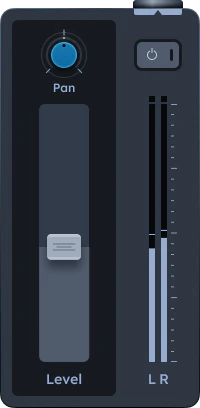
BandSplitter
Splits a signal into Low, Mid, and High bands with independent outputs.
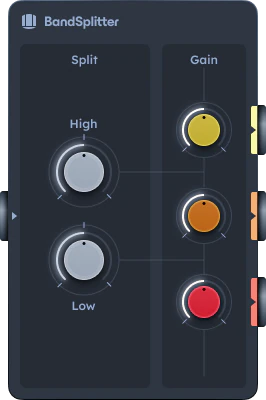
Merger
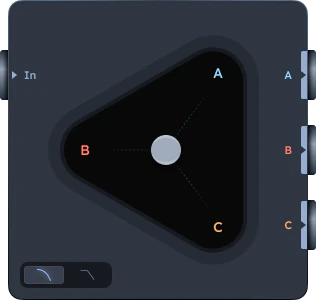
Blends three audio inputs into one output using an XY triangle mixer.
Splitter
Sends one input to three outputs with level distribution controls.
TinyGain
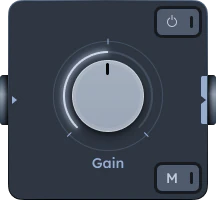
Simple utility for adjusting volume up to ±9 dB.
Matrix Arpeggiator
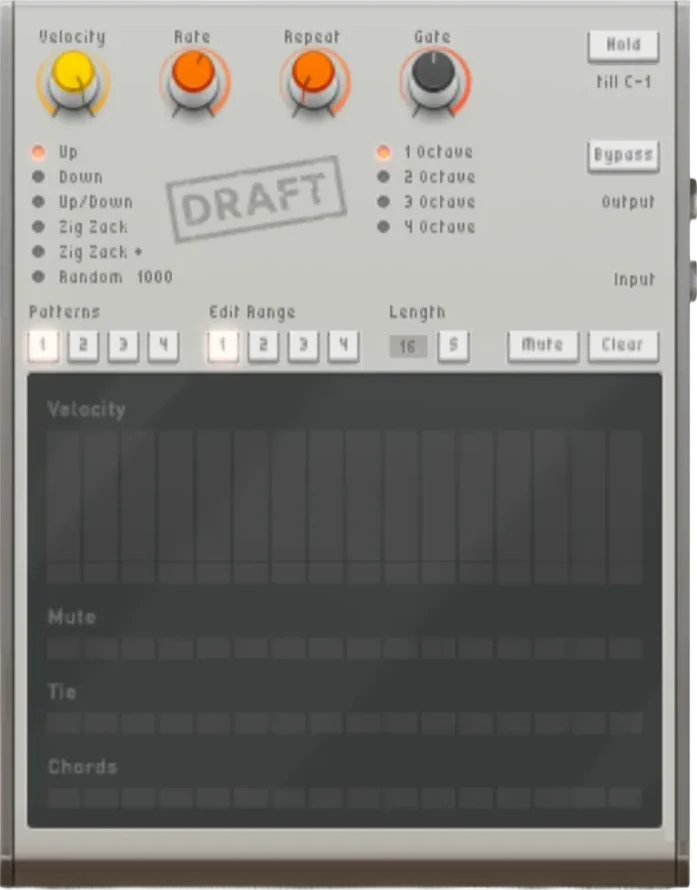
Step-based arpeggiator that sequences MIDI notes into dynamic arpeggios.
NoteSplitter
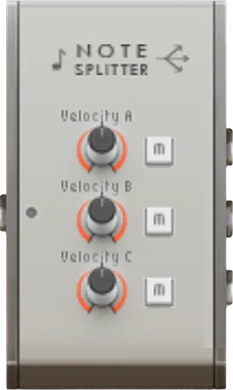
Distributes incoming MIDI notes to up to three different synthesizers or instruments.
Centroid
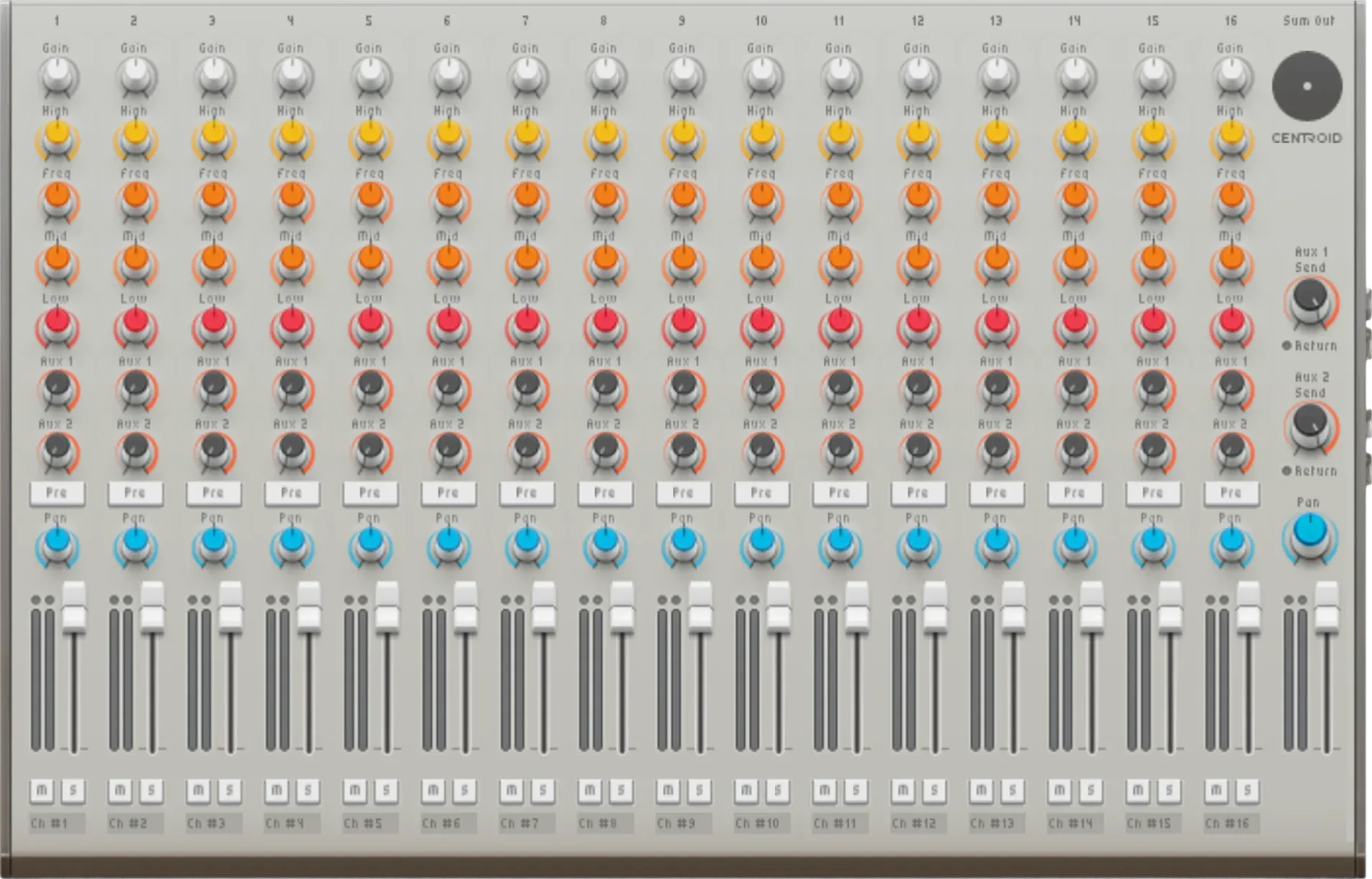
Legacy summing mixer with up to 32 inputs, EQ per channel, aux sends, pan, and faders. Prefer the integrated mixer for new projects.
Kobolt
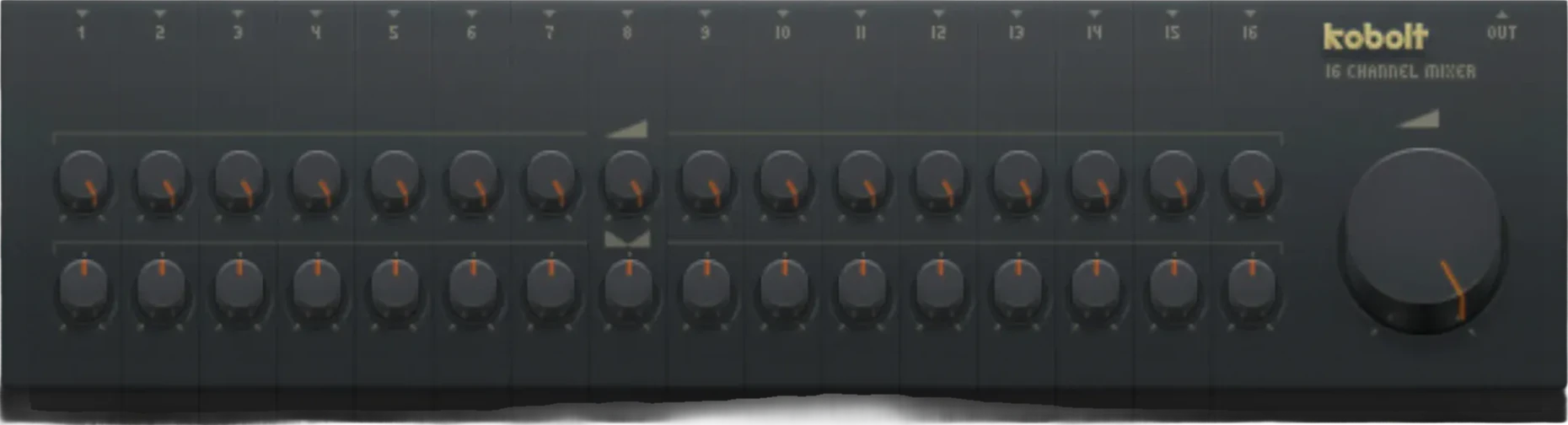
Legacy compact mixer with 16 channels. Each channel has basic level and pan controls.
MiniMixer
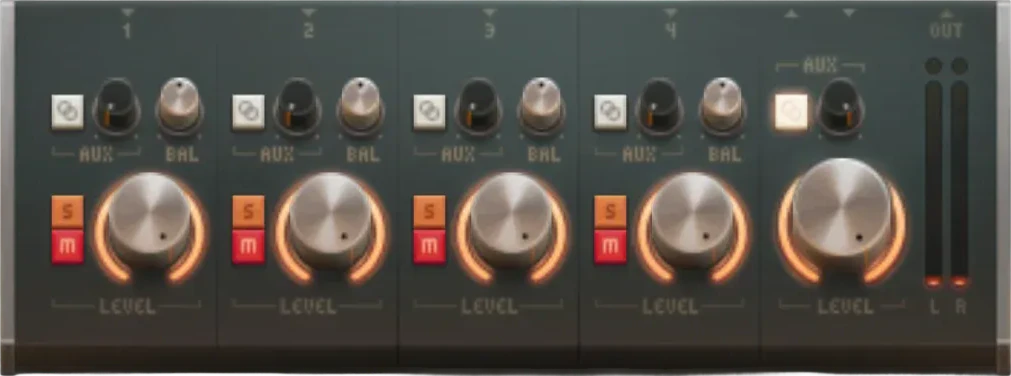
Legacy compact mixer with 4 channels, pan, volume, mute/solo, and a shared aux send. Prefer the integrated mixer for new projects.
Frequently asked questions
Is Crossfader free to use?
Yes. Crossfader is part of Audiotool's free, browser-based studio. There's no download or install, and there are no track or feature limits on the core DAW.
Do I need to install anything to use Crossfader?
No. Audiotool runs entirely in your web browser, so you can open Crossfader and start making music straight away — there's nothing to download or install.
How do I open Crossfader in Audiotool?
Open the Audiotool studio in your browser, then add Crossfader to your project from the device rack. You can also start from one of the community presets.
What can I do with Crossfader?
Blends between two sources with selectable fade curves, per-channel EQ, balance, and gain. Like every Audiotool device, it slots into your project's modular signal chain.
Where can I learn how to use Crossfader?
Step-by-step guides, tutorials, and parameter references live in the Audiotool manual at www.audiotool.com/help.