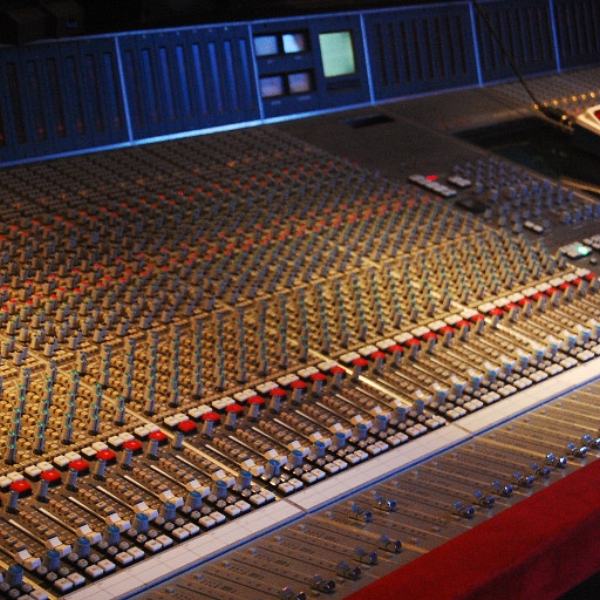
Here's a simple way to achieve a setup similar to a large studio mixing console. The output of each 8 channel "MixGroup" Centroid is connected to an input of the 4 channel "MainMix" Centroid in the centre. This setup has several advantages over a single big Centroid:
• You can connect similar sound sources (drums, bass, synths, vocals, etc.) to each MixGroup Centroid to organise your mix and deal with large projects easily.
• Each MixGroup Centroid has its own pair of Aux send/return connections, allowing you to apply different aux effect chains to each group.
• You can in turn process your main mix with the two master aux effect chains of the MainMix Centroid.
• Each group can be processed (EQ, pan, level), muted or soloed as a unit on the corresponding channel strip of the MainMix Centroid.
Photo by Rebecca Wilson - originally posted to Flickr as Vicariously, CC BY 2.0, https://commons.wikimedia.org/w/index.php?curid=11992757
how did u cut the centroids?
Thanks for this explanation very clear and usefull. :~)
i like this
Smart
feedback: lower your volume, this track broke my speakers bro >:( . . . . . . . . . . . . . . ., , , , , , , , , , , , , ,, hahaha jk, in all seriousness tho, really nice concept, might use it in the future
In this way everything is cleaner and more organized. Thank you Jordi.
Are templates still a thing in the app? If so, could this be saved as one?