Rasselbock
Effects
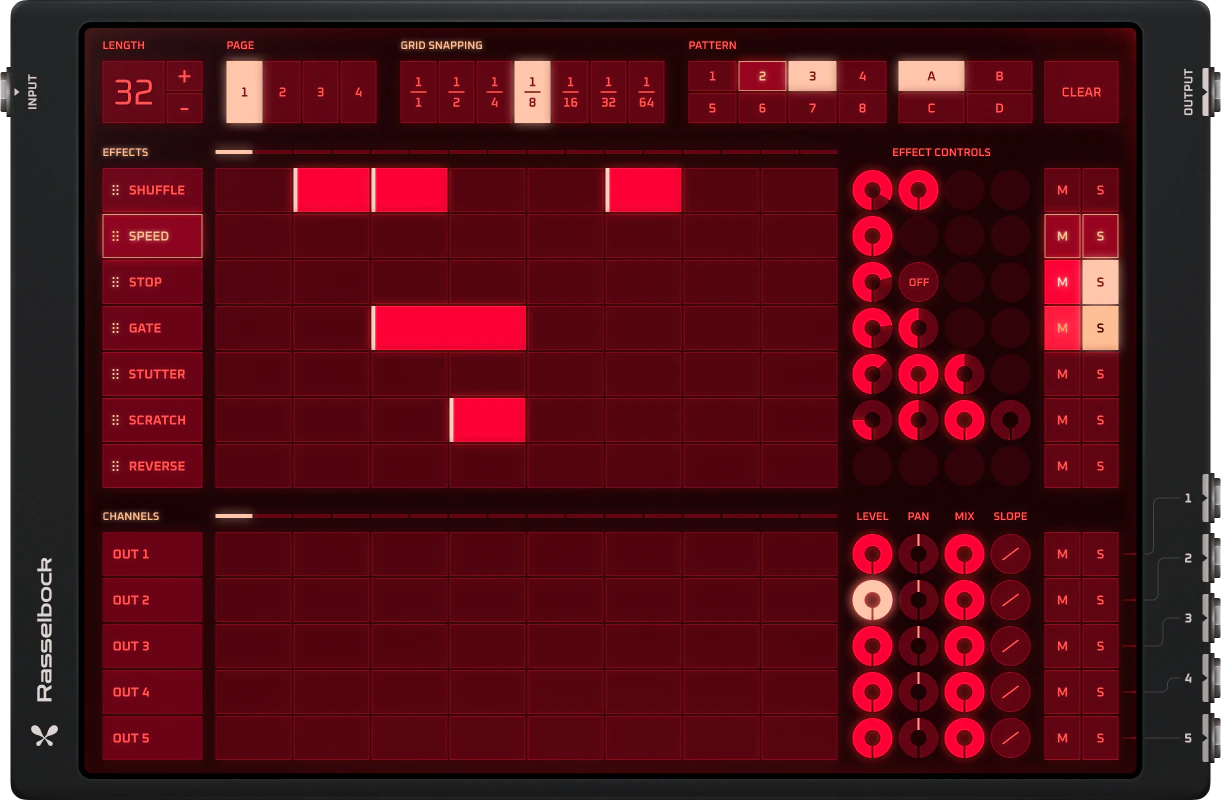
Resampler with sequencer grid and seven built-in effects.
What is Rasselbock?
Resampler with sequencer grid and seven built-in effects. Route through one master or separate per effect outs, reverse, pitch shift, and create experimental patterns.
Rasselbock is a audio effect in Audiotool — the collaborative online DAW that runs entirely in your browser, with modular routing and a full device rack built in.
What you can do with Rasselbock
- Insert it on any track to shape your sound.
- Chain it with other effects for richer processing.
- Place it anywhere in a modular, node-based signal chain.
- Automate its parameters over time.
- Use it on single channels or across the master bus.
Key capabilities
- Resampler with sequencer grid and seven built-in effects.
- Route through one master or separate per effect outs, reverse, pitch shift, and create experimental patterns.
- Runs entirely in your browser — no download or install.
- Part of Audiotool's full studio — free, with no track or feature limits.
Make music with Rasselbock, right in your browser
Rasselbock is built into the Audiotool studio. Open it and start your next track in seconds.
Learn how to use Rasselbock
Step-by-step guides, parameter references, and tutorials live in the Audiotool manual.
More Effects
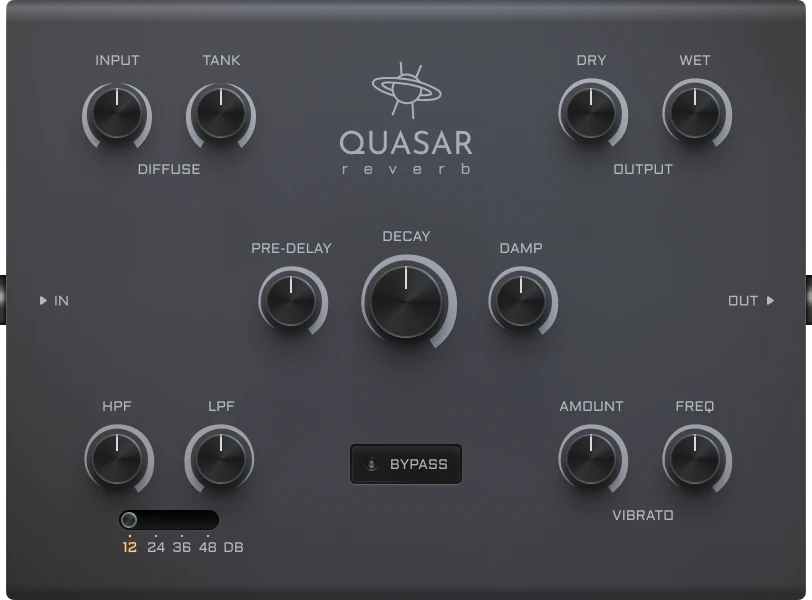
Quasar
Plate-like reverb effect. Create lush, evolving spaces with pre-delay, filtering, decay, and diffusion controls.
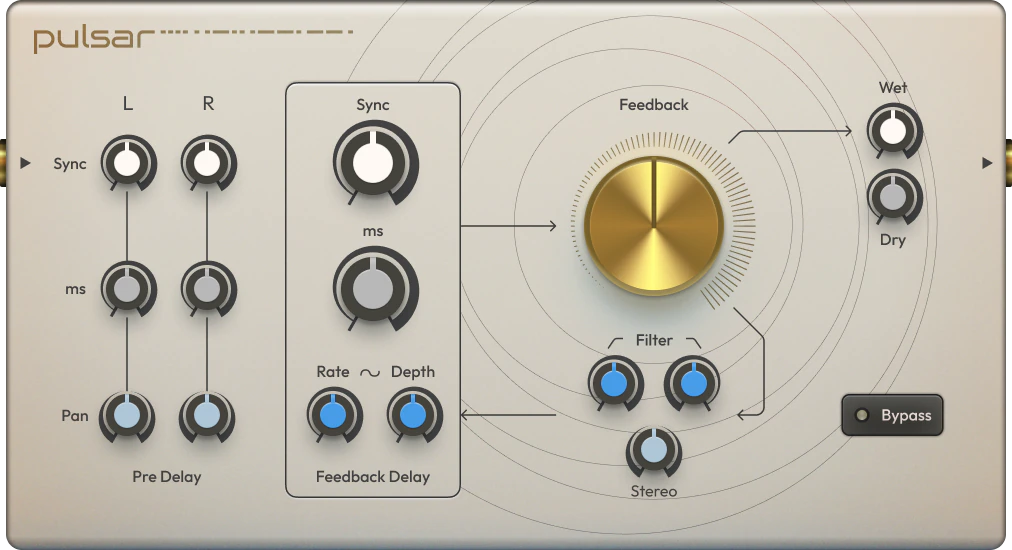
Pulsar
Stereo delay with per-channel pre-delay, filtering, and internal LFO modulation. Build large stereo spaces with rhythmic movement.
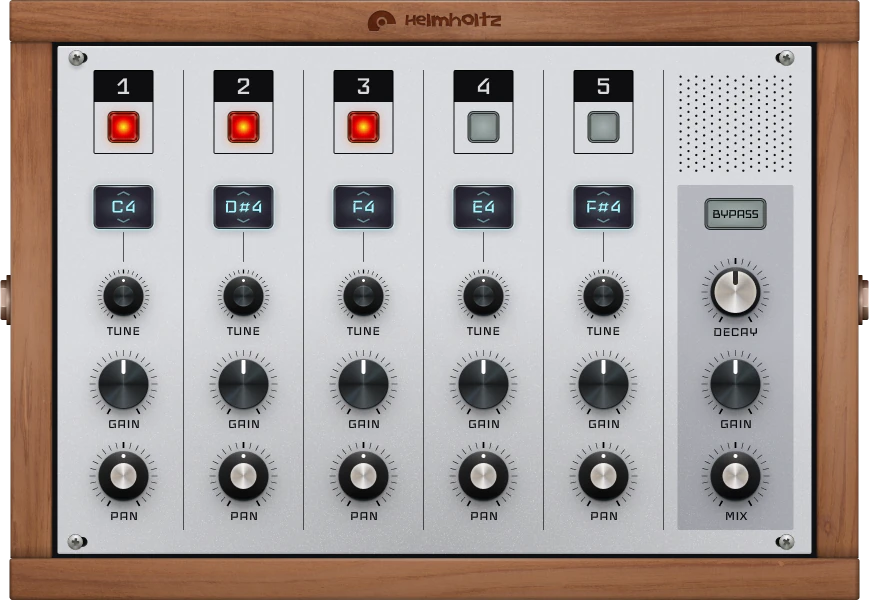
Helmholtz
Comb filter with five tuneable resonant frequencies. Creates dramatic resonances, especially reactive to noise and impulsive inputs.
Gravity
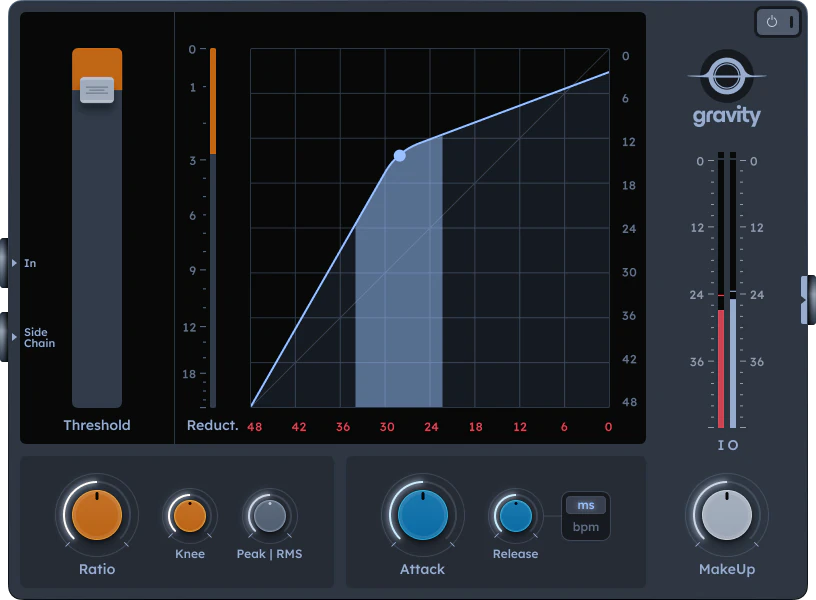
Single-band compressor with visual feedback and gain reduction meter. Control threshold, ratio, knee, attack, and release with RMS or peak detection.
Quantum
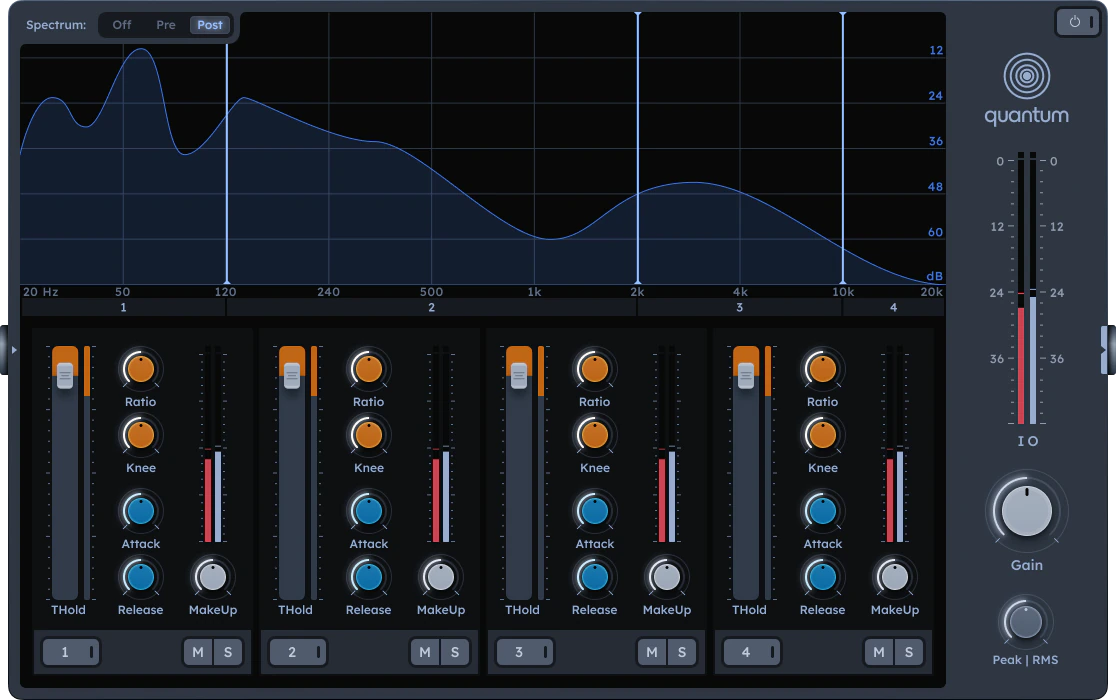
Multi-band compressor designed for mastering. Four bands with adjustable crossovers, per-band bypass/mute/solo, and spectrum analyser.
Curve
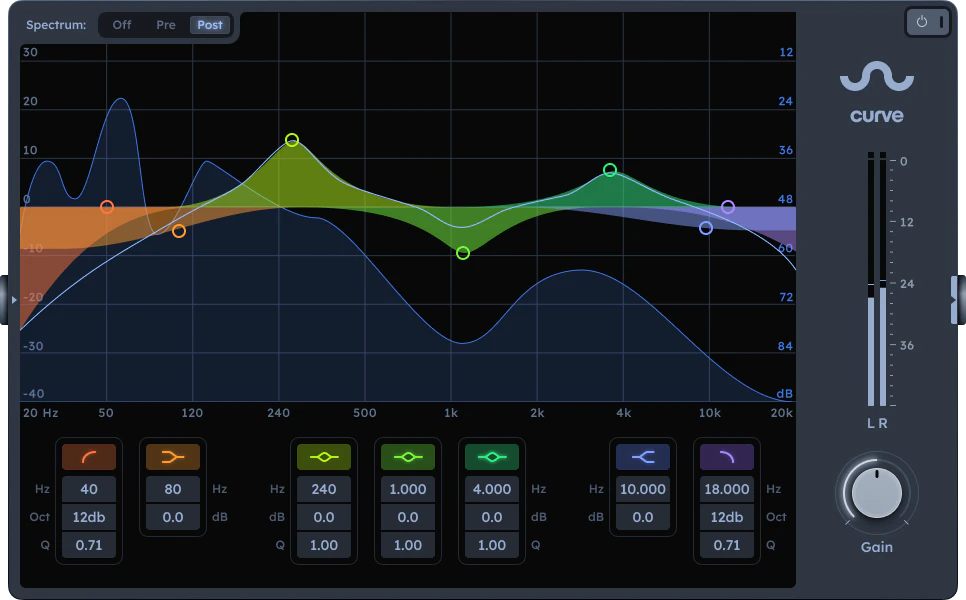
6-band EQ with spectrum analyser. Boost or attenuate different parts of the spectrum.
Orbit
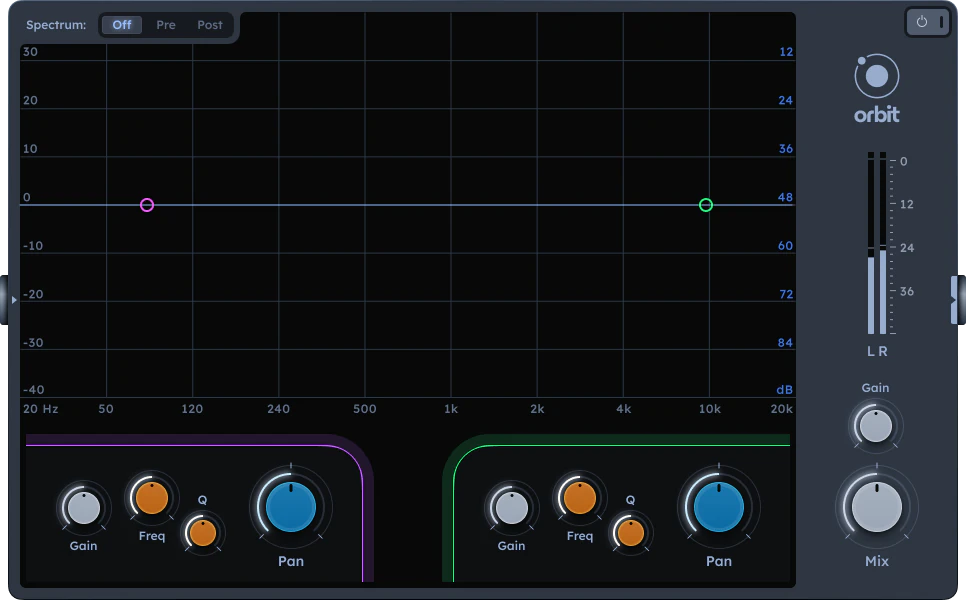
2-band EQ with spatial control of the stereo field.
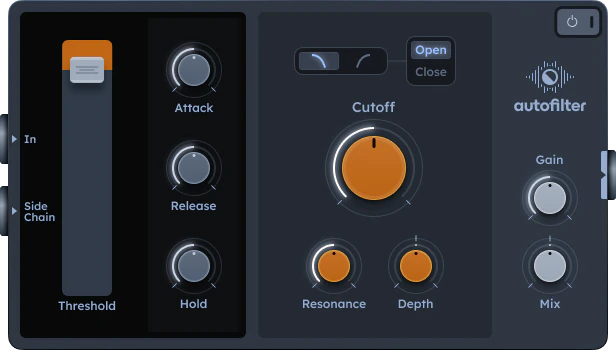
AutoFilter
Dynamic filter driven by an envelope follower or sidechain input. Creates rhythmic movement and ducking effects automatically.
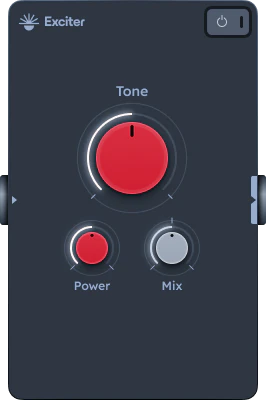
Exciter
Spectral enhancer that splits the signal into bands, applies distortion to higher frequencies, then recombines. Add presence and clarity to your tracks.
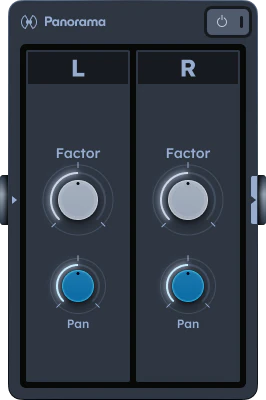
Panorama
Independent left/right pan and level controls for fixing imbalances and designing stereo movement.
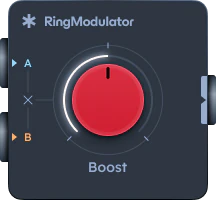
Ring Modulator
Multiplies two signals to produce metallic or robotic timbres. Perfect for experimental textures and robotic sounds.
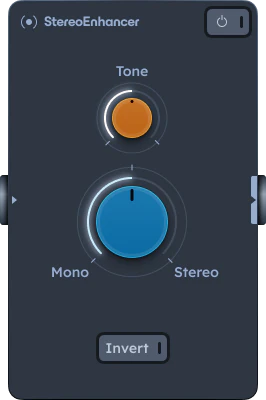
Stereo Enhancer
Widen the stereo field and enhance spatial perception in your mix or master output.
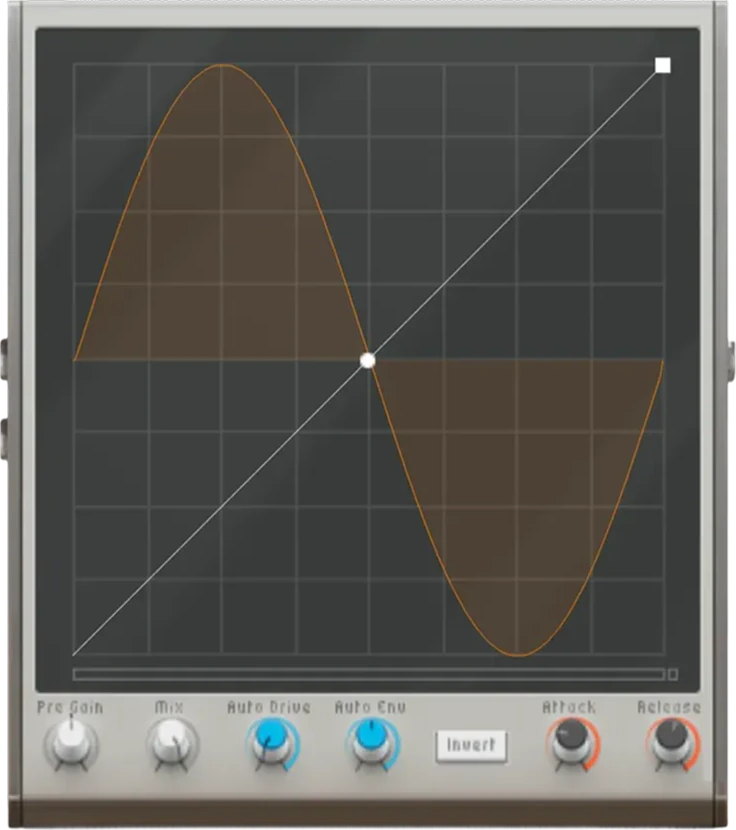
WaveShaper
Drawable transfer curve for designing distortion with precise control over harmonic content. Perfect for unique distortion shapes and extreme sound design.
Frequently asked questions
Is Rasselbock free to use?
Yes. Rasselbock is part of Audiotool's free, browser-based studio. There's no download or install, and there are no track or feature limits on the core DAW.
Do I need to install anything to use Rasselbock?
No. Audiotool runs entirely in your web browser, so you can open Rasselbock and start making music straight away — there's nothing to download or install.
How do I open Rasselbock in Audiotool?
Open the Audiotool studio in your browser, then add Rasselbock to your project from the device rack. You can also start from one of the community presets.
Where does Rasselbock go in my signal chain?
Insert Rasselbock on any channel or chain it after other devices. Audiotool uses modular, node-based routing, so you can place it anywhere in your signal path.
Where can I learn how to use Rasselbock?
Step-by-step guides, tutorials, and parameter references live in the Audiotool manual at www.audiotool.com/help.