All I did was use the stop effect, within the Rasselbock. If you right click the device, you can add a pattern track. Then, by double clicking the pattern track within the timeline, It will lay down the pattern onto the timeline, that way intended effect only applies wherever you've laid the pattern.
Usually, when I use the stop effect, I only apply it to the last 1/4, 1/8th, or 1/16th note of a given bar. But, it can be used in all sorts of creative ways!
wow so dreamy
Vibes
nice stuff btw
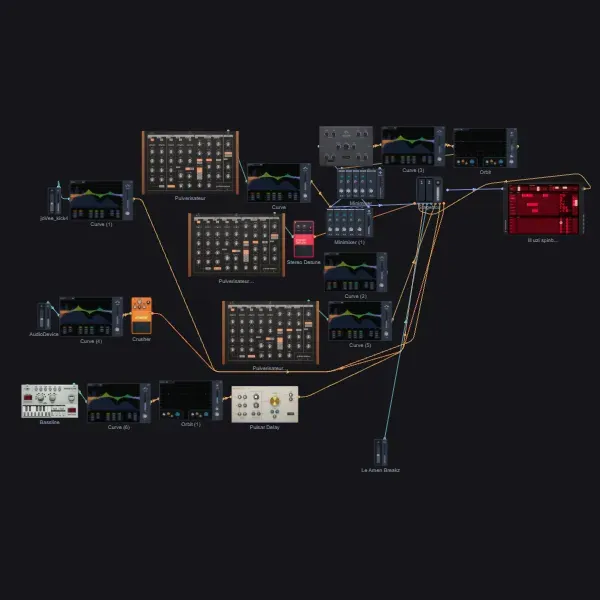
how do you make the graph with the blocks?
congrats on track of the day