Curve (EQ)
EQ
Essentials
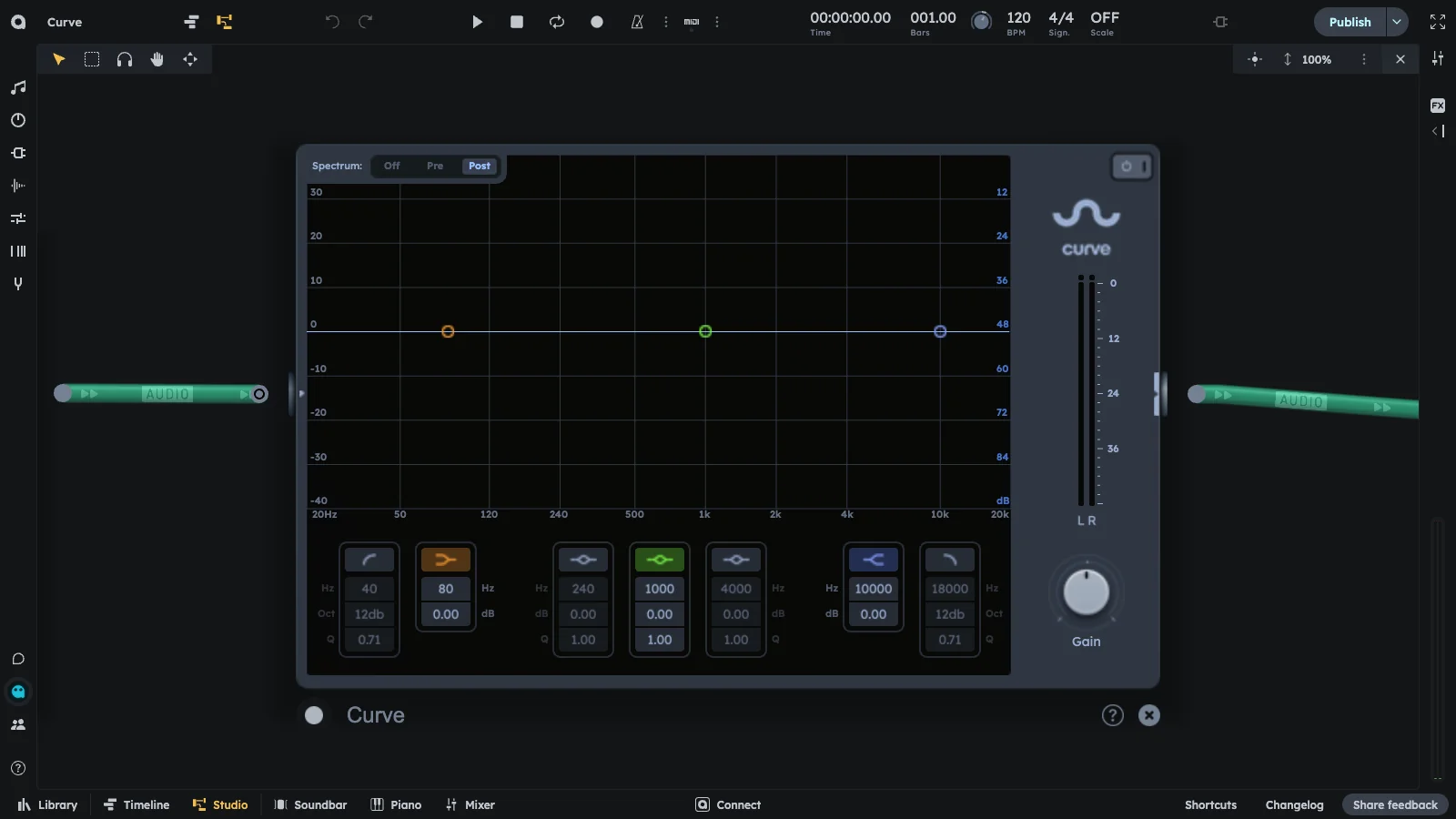
Curve is a precise 7-band parametric EQ with per-band frequency, gain, and Q, plus a real-time spectrum display for surgical and musical tone shaping. Designed for surgical tone shaping, mixing, and mastering applications.
- 7 fully configurable filter bands
- Per-band frequency, gain, and Q control
- Real-time spectrum display
- Surgical and musical tone shaping
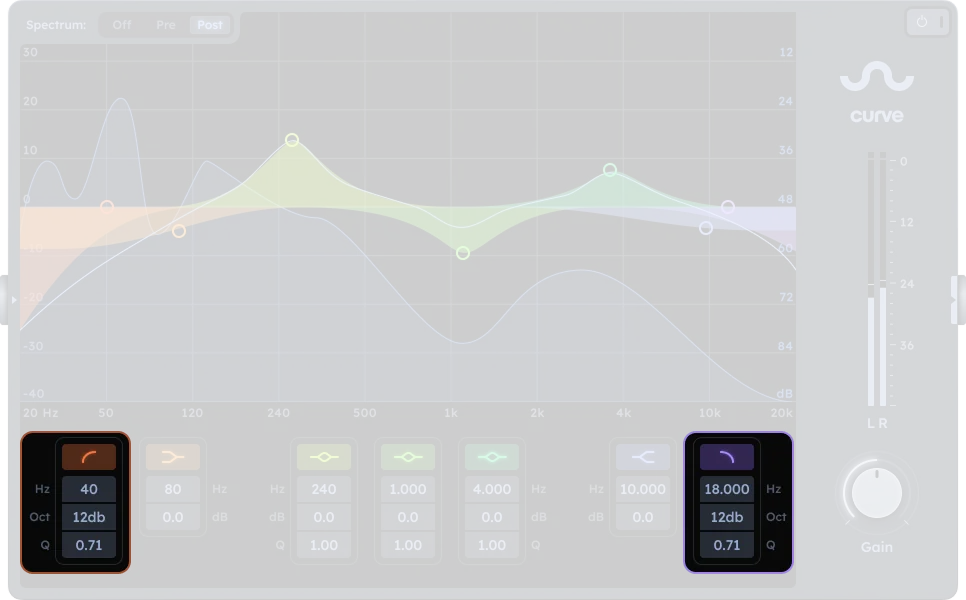
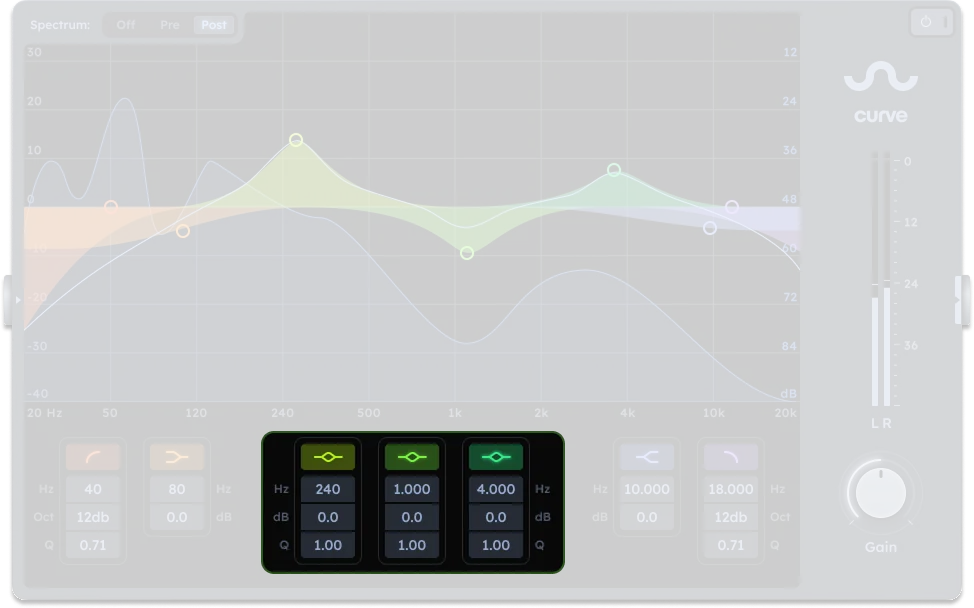
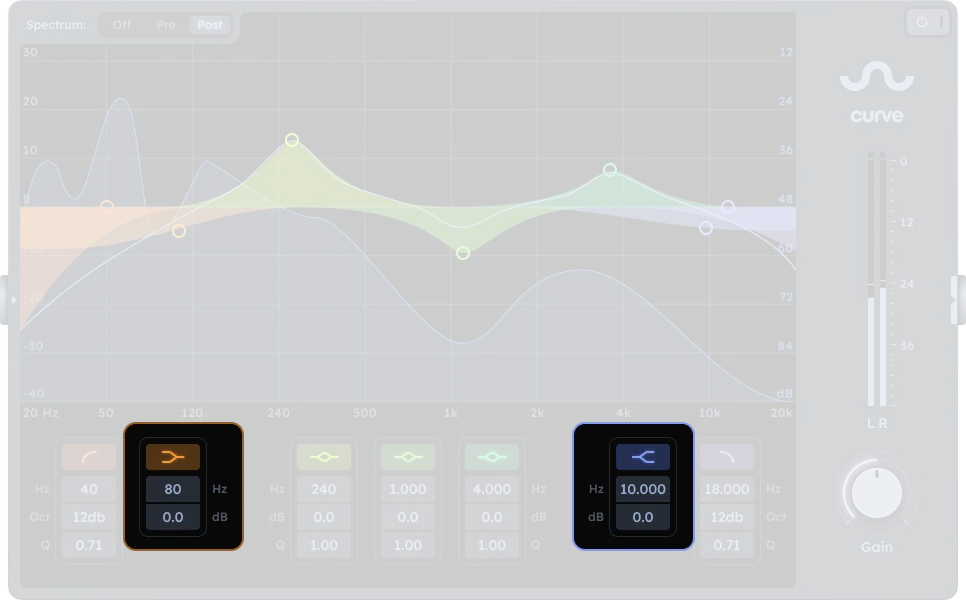
The Curve EQ has 7 bands: 1 low pass, 1 low shelf, 3 fully parametric peak filters, 1 high pass, and 1 high shelf.
Low/High Pass Filters
Peak Filters
Shelf Filters
| Control | Description |
|---|---|
| Frequency | Sets the shelf frequency |
| Gain | Boosts or cuts the amplitude at the shelf frequency |
Output
| Control | Description |
|---|---|
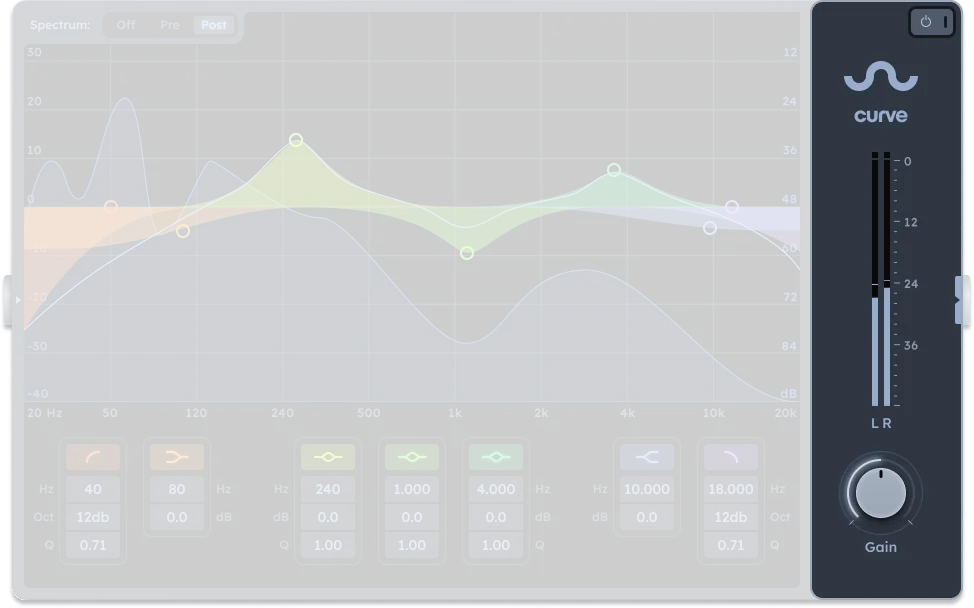
| On/Off | Activates or bypasses the equalizer effect |
| Post Gain | Output level after EQ processing (-inf to +24 dB equivalent) |
Spectrum display
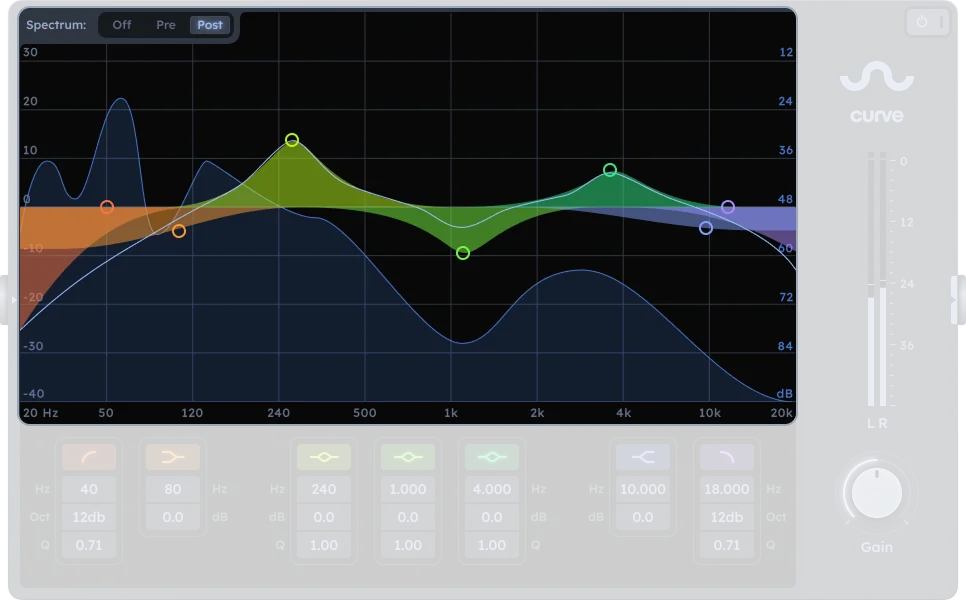
The real-time spectrum analyzer shows frequency content with three display modes:
| Control | Description |
|---|---|
| Off | No spectrum display |
| Pre | Shows input signal before EQ processing |
| Post | Shows output signal after EQ processing |
Practical Tips
Practical Tips
- Tame harsh resonances or frequency build-up.
- Accentuate character frequencies in instruments or vocals.
- Create space for other mix elements by cutting overlapping frequencies.
- Apply tonal shaping during mastering for a polished result.
- Explore creative filtering for sound design.
- Narrow Q for surgical cuts; broader Q for musical boosts.
- Solo bands to find problem areas or sweet spots.
- Mastering: favor subtle moves to preserve integrity.
- Stack small changes for natural results.