Quantum (Compressor)
Compressor
Essentials
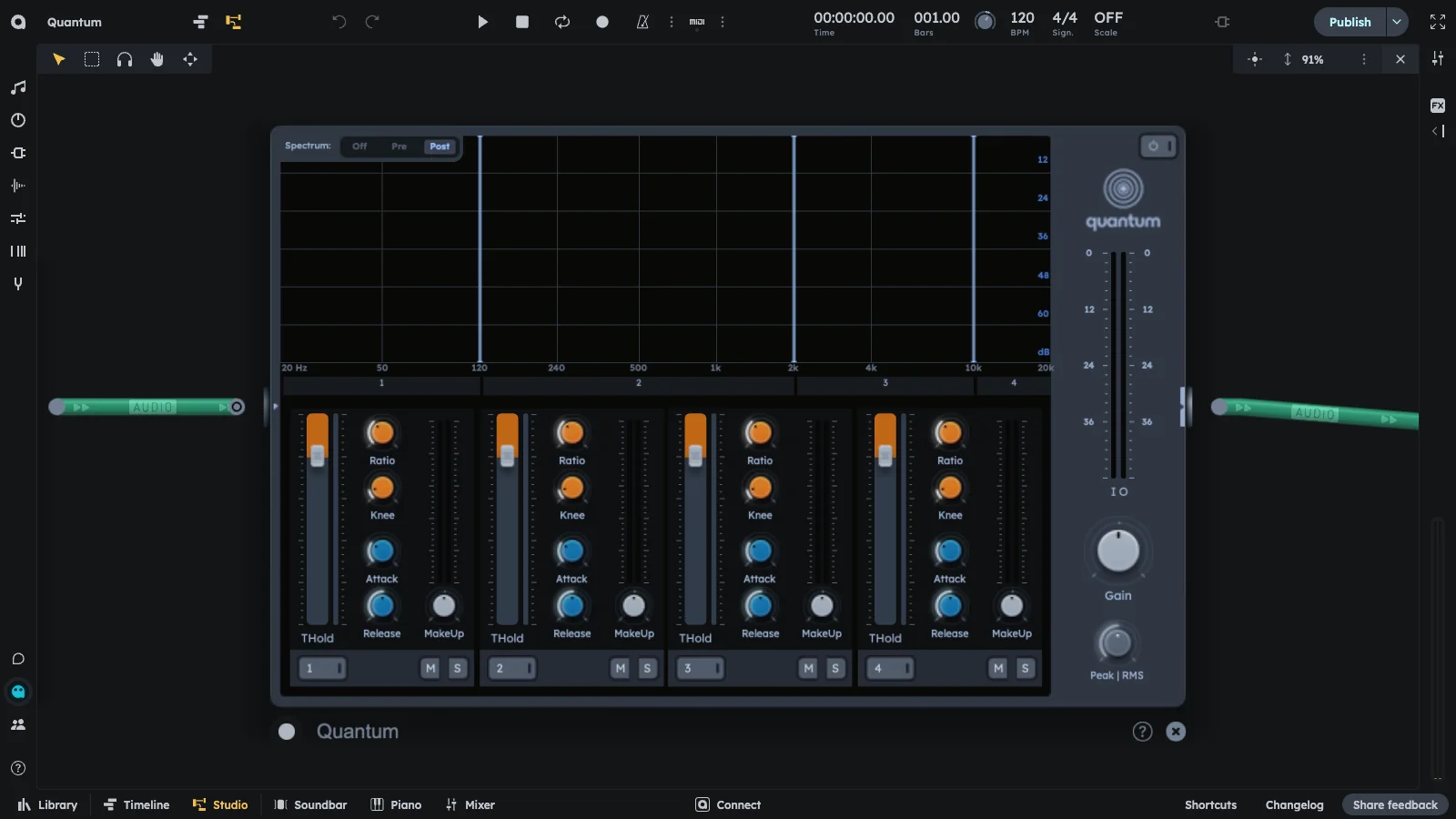
Quantum splits audio into four bands with independent compressors for each band. Apply different compression settings to low, mid, and high frequencies separately. For example, gently controlling low-end rumble while applying more aggressive compression to midrange vocals or high-end transients.
- Four-band frequency splitting
- Independent compressors per band
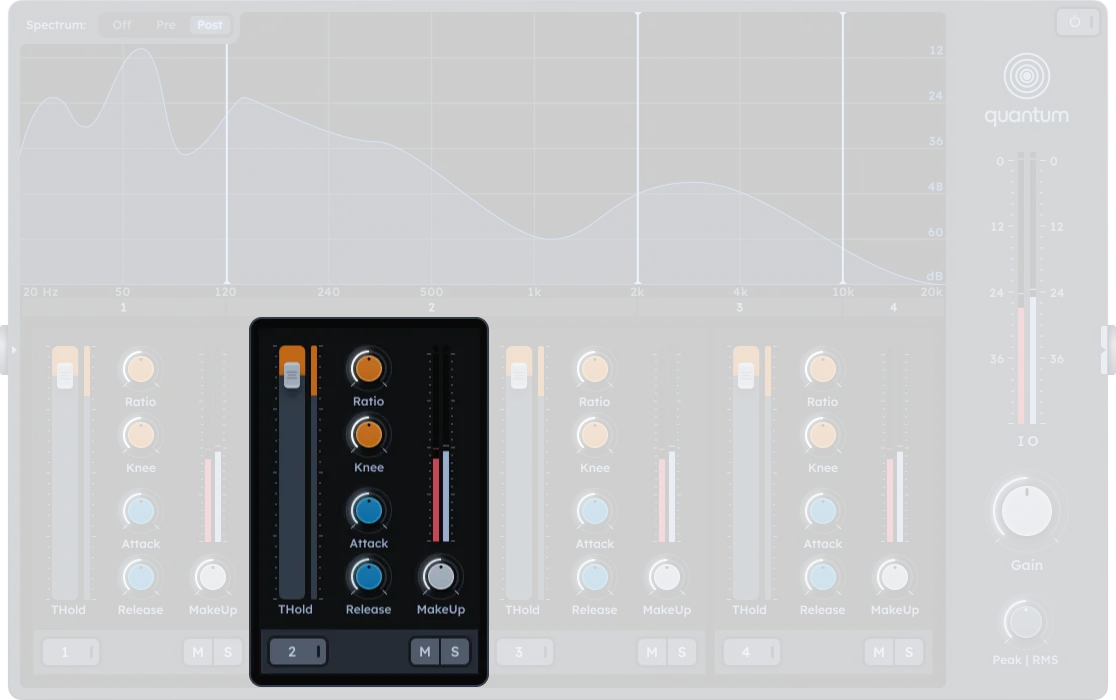
- Threshold, ratio, knee, attack, release, makeup
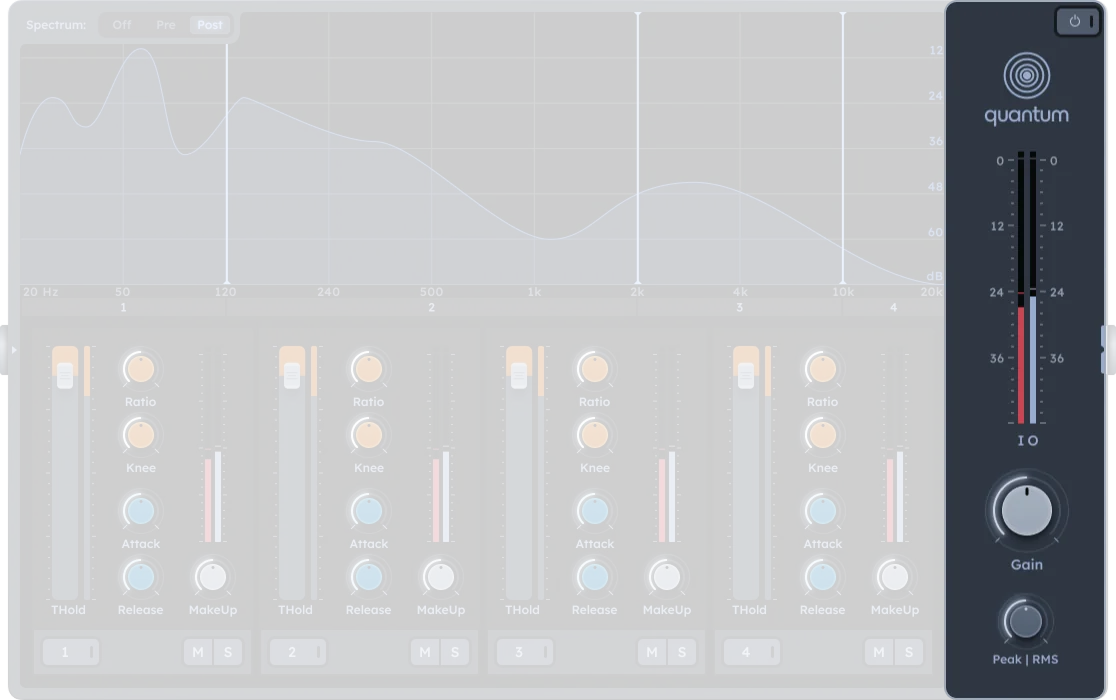
- Global Peak/RMS detection
Bands
Output
Spectrum display
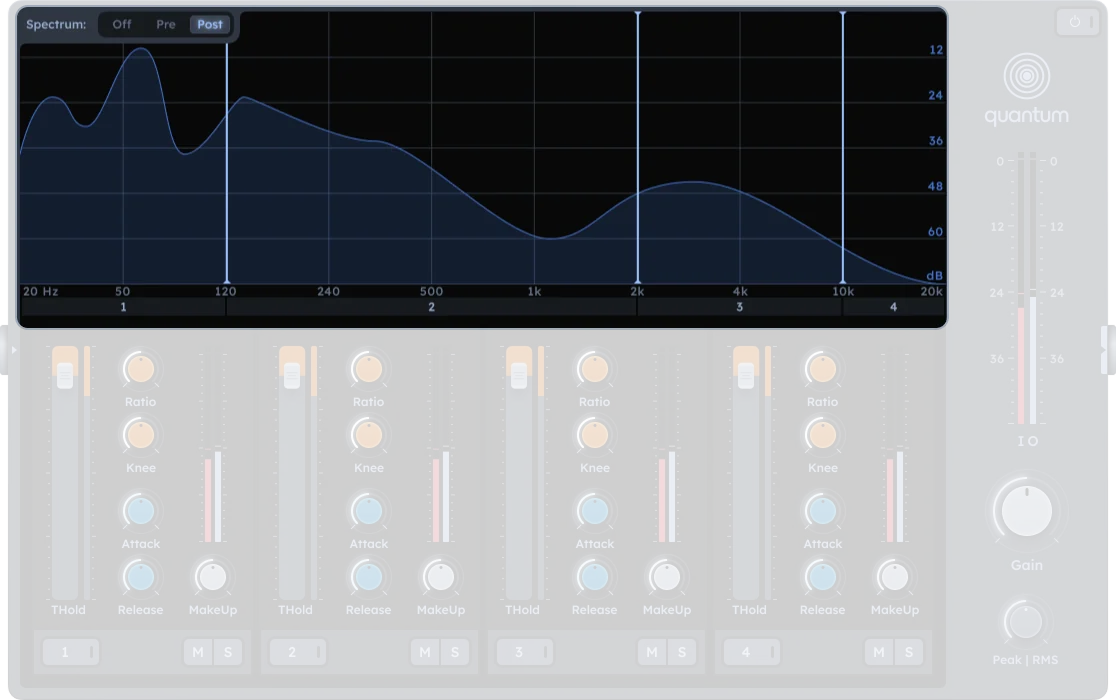
The real-time spectrum analyzer shows frequency content with three display modes (visual only, does not affect audio processing):
| Control | Description |
|---|---|
| Off | No spectrum display |
| Pre | Shows input signal before processing |
| Post | Shows output signal after processing |
Practical Tips
Practical Tips
- Mastering: Smooth overall mix dynamics by applying light compression across all bands.
- Bass control: Use a lower threshold and ratio on Band 1 (low frequencies) to tighten up bass.
- Vocal clarity: Apply compression to midrange (Band 2 or 3) to bring vocals forward without squashing the lows or highs.
- De-essing: Apply subtle compression on the highest band (Band 4) to tame sibilance.
- Sound design: Over-compress selected frequency bands for creative distortion or pumping effects.
- Solo each band to hear its frequency content clearly while adjusting compression settings.
- Use soft knees for transparent compression and hard knees for more aggressive dynamics shaping.
- Match makeup gain to ensure each band contributes evenly after compression.