Stereo Enhancer
Stereo
Essentials
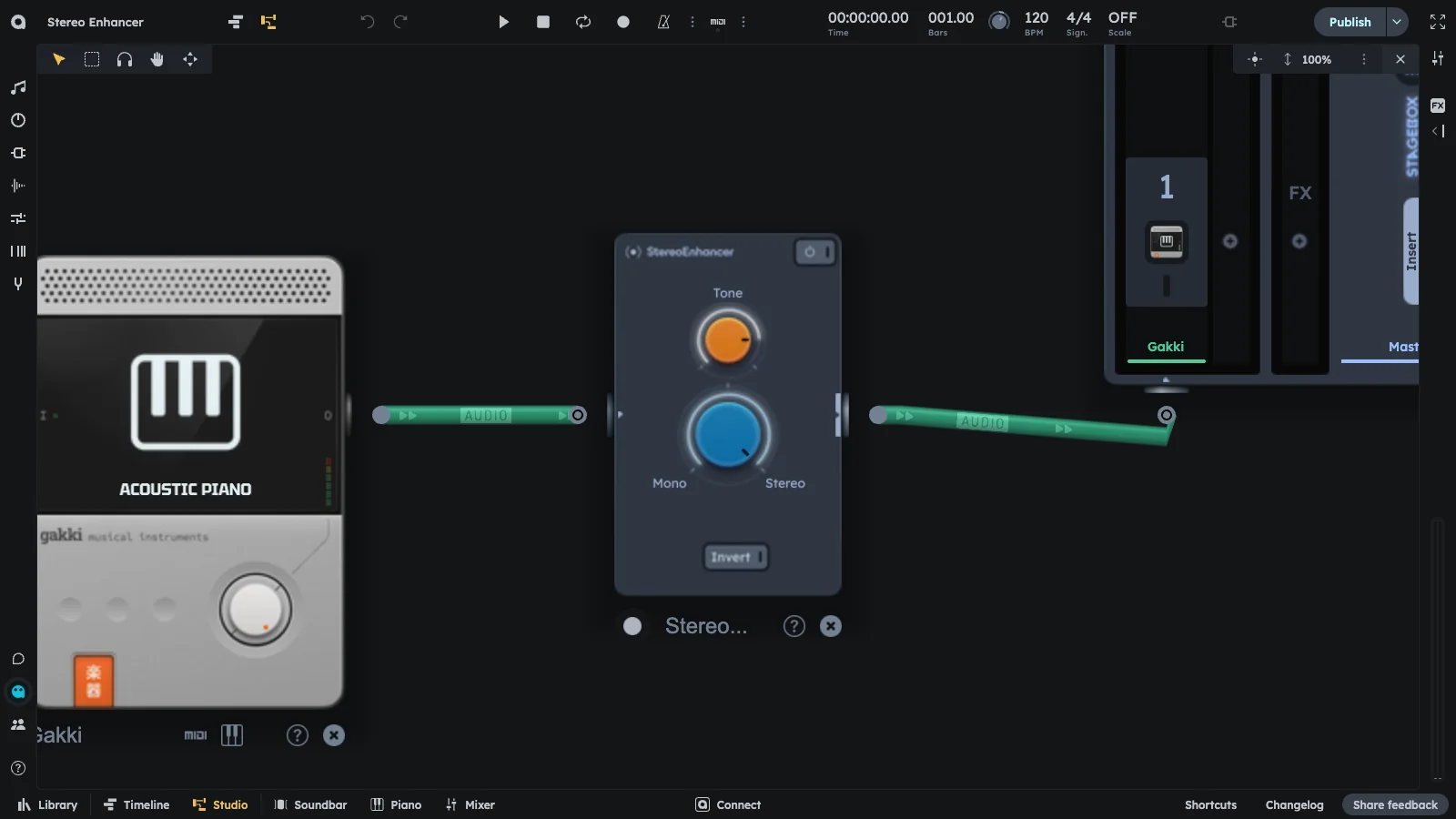
Stereo Enhancer manipulates phase/delay between channels to widen or center sources. Use Width, Tone, and Invert to sculpt stereo image. Makes sounds appear wider or more focused in the stereo field.
- Phase and delay manipulation
- Width, tone, and invert controls
- Widen or center sources
- Sculpt stereo image
Controls
Practical Tips
Practical Tips
- Widen leads/BVs: push wide for spaciousness.
- Center low-end: narrow kicks/bass/snares for focus.
- Invert layers: flip a pad layer for separation.
- Targeted widening: use after BandSplitter to widen only highs.
- Lush shimmer: combine with Exciter.