Gravity (Compressor)
Compressor
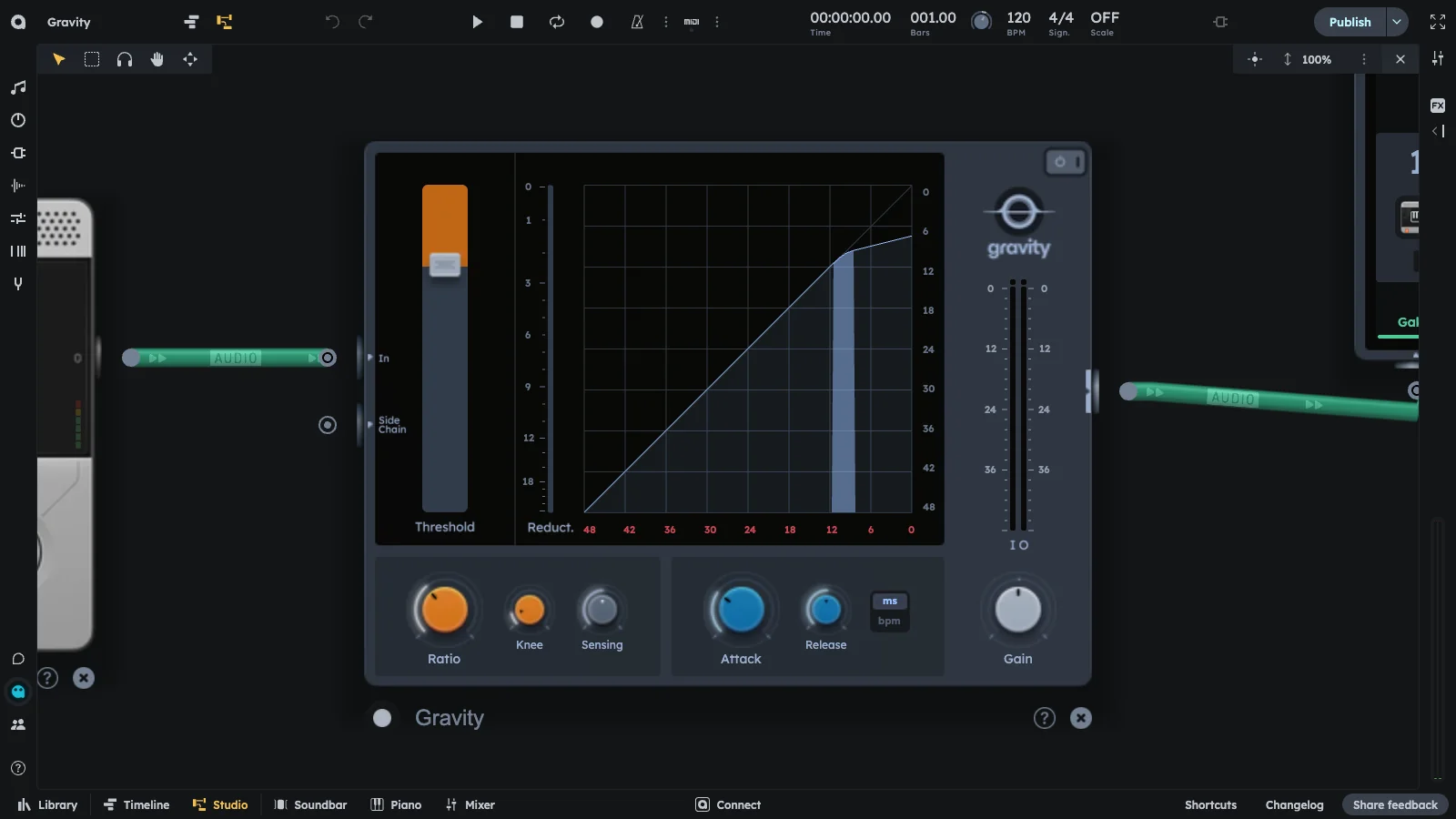
Essentials
Gravity is a full-featured compressor with Threshold, Ratio, Knee, Attack, Release, Gain, RMS Window, and Sidechain. Use for tight, punchy mixes or creative sidechain effects. Automatically turns down loud parts when they exceed the threshold.
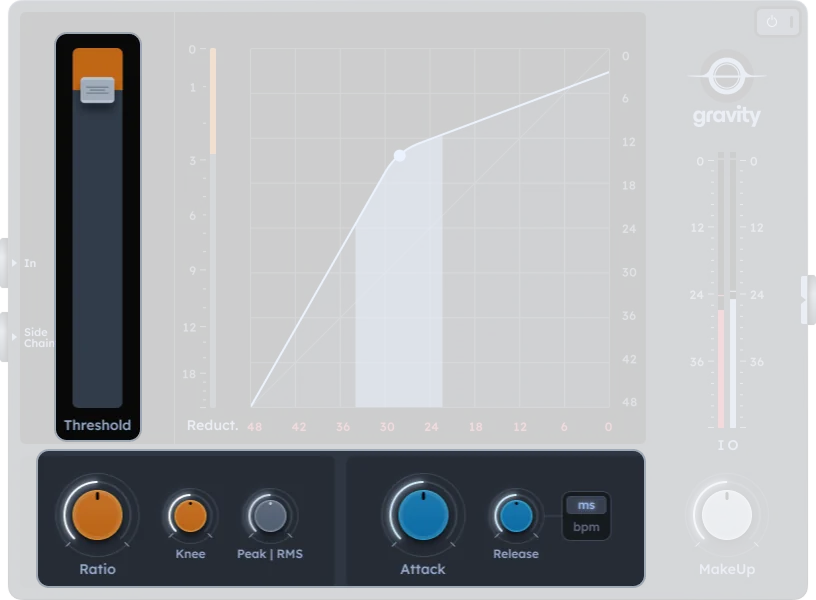
- Threshold, ratio, knee, attack, release, gain
- RMS detection window control
- Tempo-syncable release time
- Sidechain input
- Tight, punchy mixes
- Creative sidechain effects
Compression
Output
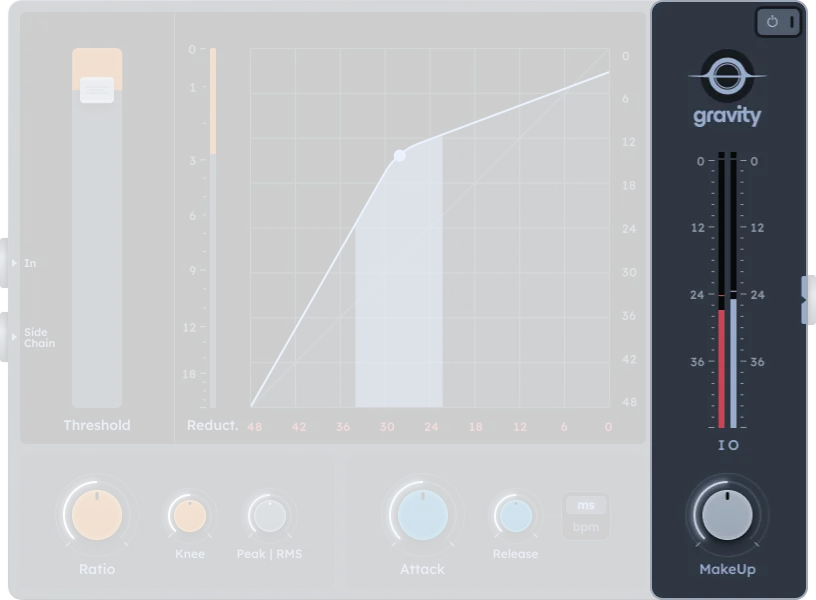
| Control | Description |
|---|---|
| Gain | Makeup gain after compression (-24 to +24 dB equivalent) |
| On/Off | Activates or bypasses the compressor effect |
Practical Tips
Practical Tips
- Fast attack: control peaks (vocals, snares).
- Slow attack: preserve punch in drums.
- High ratio: intense compression/limiting.
- Sidechain: create movement and mix space in dense arrangements.